Colorize a photo of a late parent
If you want to see a parent in color, send the best photo you have and add what you remember about their clothes and hair. Look at the result with time, and keep the original photo close.
- 2 credits per image
- Result in 1–2 minutes
- No sign-up
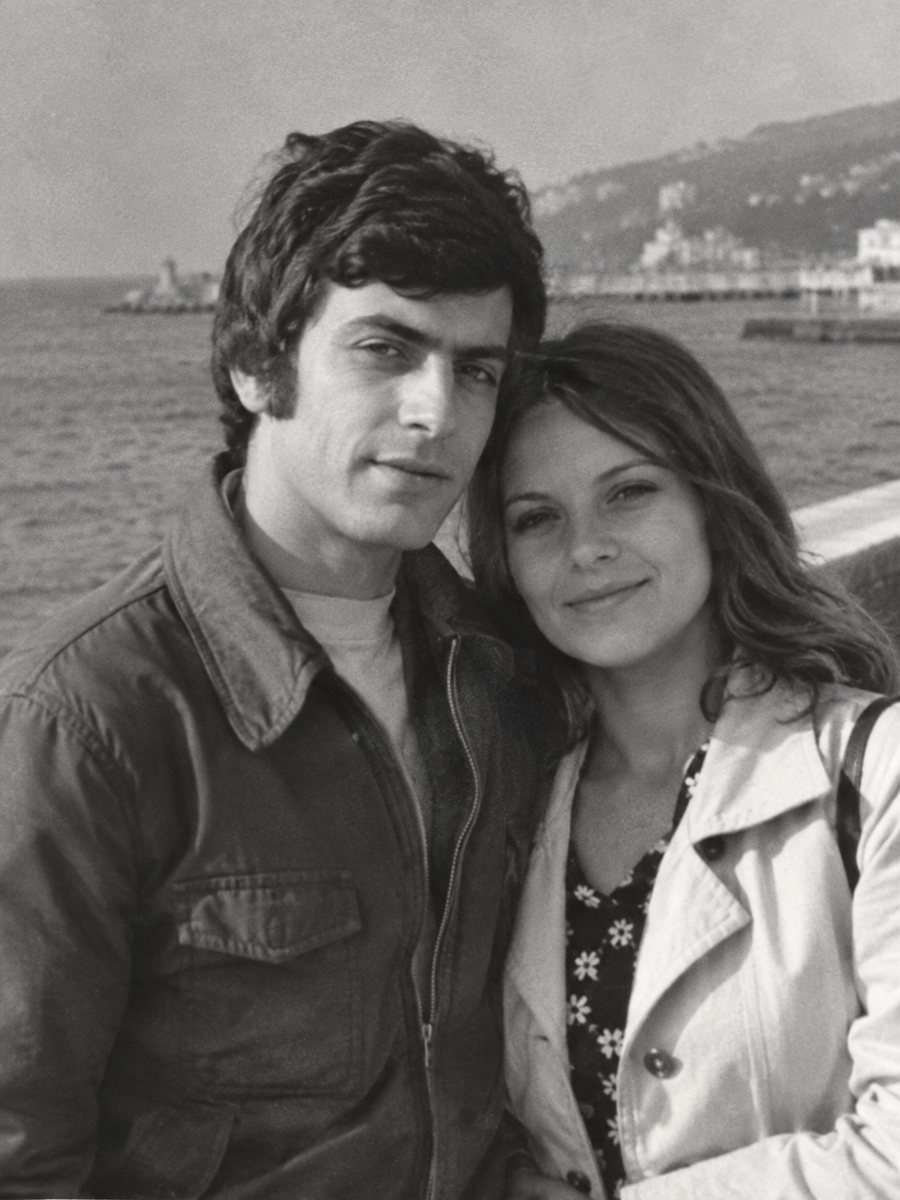
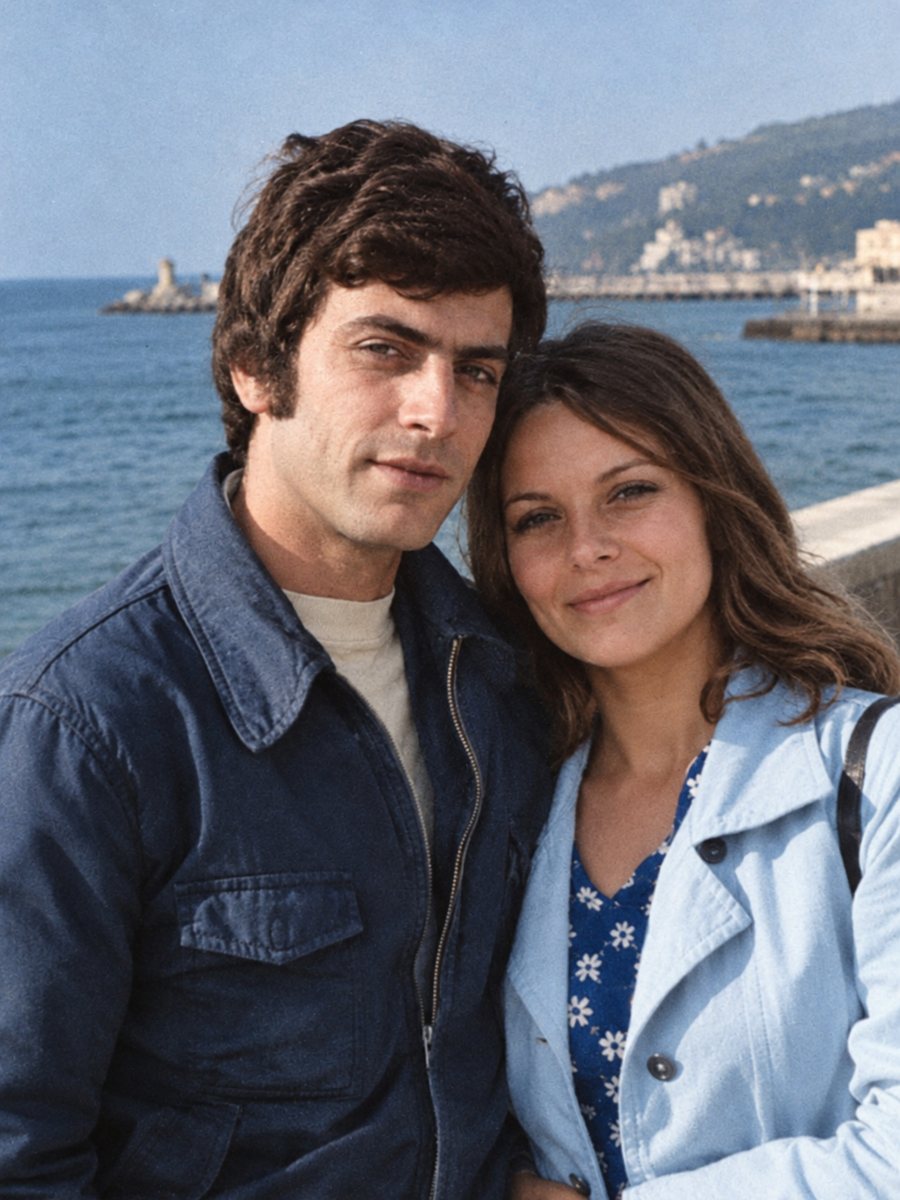 BeforeAfter
In short: Some people want to see a lost mother or father in color. Take it slowly, compare to other photos and keep the original next to the new picture.
- Where: the VisuMate bot in Telegram, no app or sign-up.
- Cost: 2 credits per image, 7 images free, then packs from 49 Telegram Stars.
- Time: 1 to 2 minutes per image, rerun with a new instruction at the same price.
When you need this
- There is only a black-and-white picture of a mother or father.
- You want to show your children how a grandparent looked.
- You are unsure whether color will feel right.
How to do it
- 1
Open @visumate_ai_bot in Telegram with the button on this page and press Start. No sign-up is needed.
- 2
Send the black-and-white photo as a file (document) so Telegram does not compress it. In the caption write what you remember, for example: light blue blouse, dark brown hair, hazel eyes, keep the face unchanged.
- 3
In 1-2 minutes the colorized picture arrives in the chat. Download it, and if a color is off, run again with a hint in the caption.
Try it on your own photo: 7 images are free, no sign-up.
Make it in TelegramA gentle process
This kind of picture can bring up feelings. There is no hurry and there is no right choice. A black-and-white photo carries its own quality, and a colorized copy may feel closer or more strange. Many families keep both. Try one run and see how it feels. If the first result is close but not right, change the caption a little and send the picture again.
Accuracy and honesty
The bot adds believable colors that were never recorded. Hair and eye colors may differ from reality unless you describe them. A damaged face can be reconstructed and may not look exactly like the person. If the picture matters for a memorial, ask someone who knew your parent to look at it with you. Treat the result as a careful interpretation of the original and share it together with the untouched scan.
Tips
- Take your time. The result is an image, it does not replace the original.
- Compare skin, hair and eyes with any color photo you have.
- If something feels wrong, rerun with a more precise caption or keep the original.
- Show it to a relative before you print or share.
Questions and answers
Will the face change?
The AI aims to keep it, and damaged faces may drift.
Can I set the eye color?
Yes, in the caption.
Is it OK to share the result?
Label it as colorized, and the choice is yours.
Can I print it?
Download the file and take it to a print service.
More in "Photo restoration"
- Colorize 1940s photographsColorize 1940s family pictures with natural tones. Hints about clothing, uniforms and rooms in the caption...
- Colorize 1920s and 1930s photographsColorize pictures from the 1920s and 1930s with soft, plausible colors. Clean damage first, because prints...
- Colorize an old house photographColorize a photo of a family home, a village street or a farm. Tell the bot about roof, wall and door...
- Sharpen a soft-focus wedding photoOld wedding photos often have a soft look from cheap lenses or studio filters. See how to sharpen faces...