Colorize 1940s photographs
Photos from the 1940s include portraits, uniforms and family gatherings. The bot colorizes them with natural, moderate tones, and you can steer with captions.
- 2 credits per image
- Result in 1–2 minutes
- No sign-up
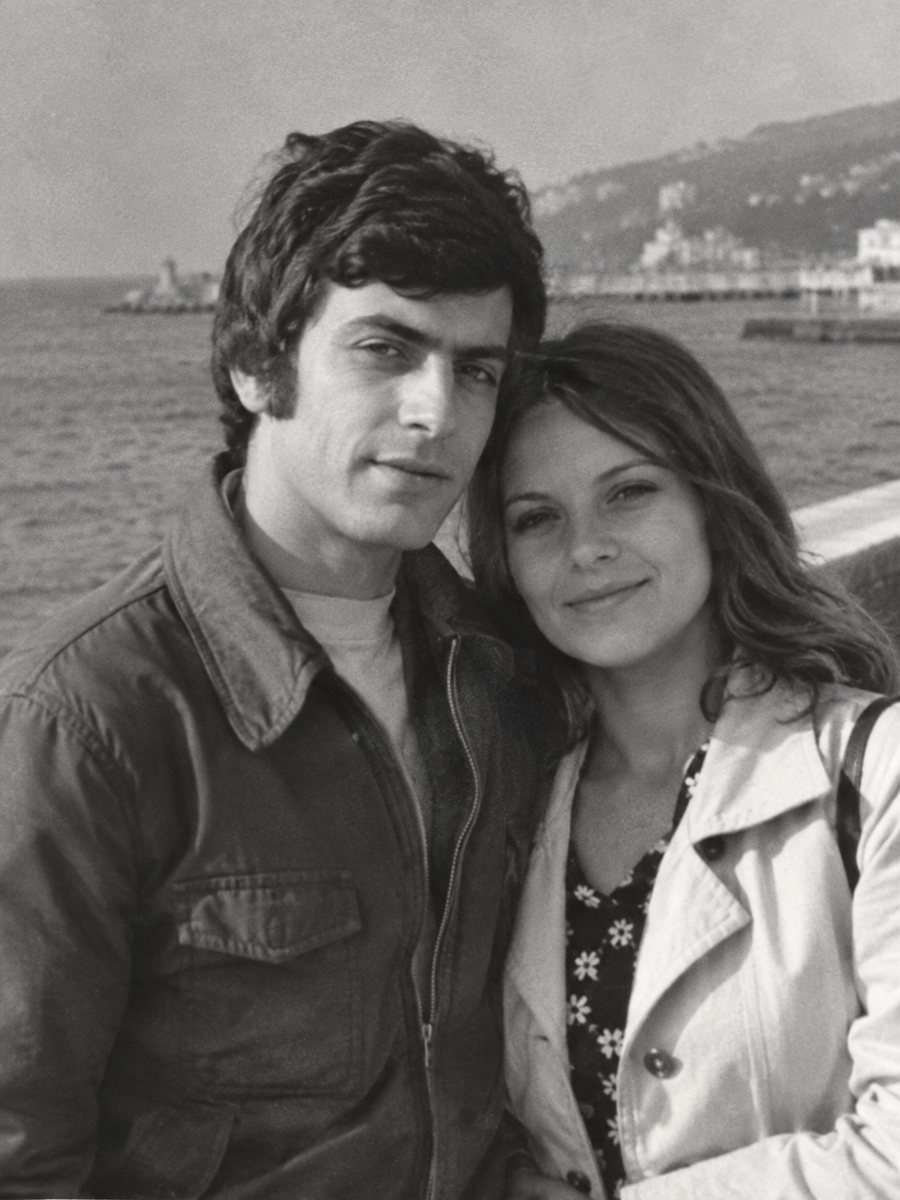
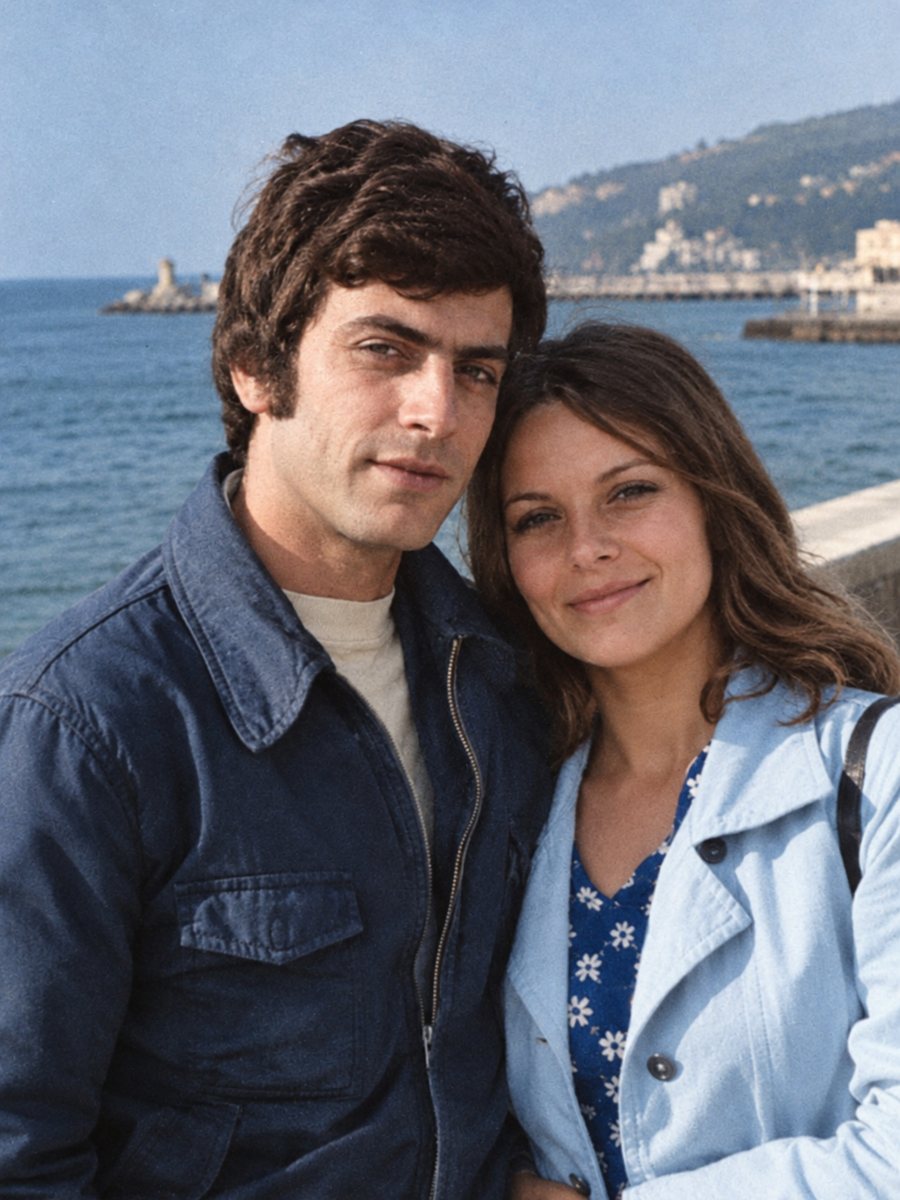 BeforeAfter
In short: Colorize 1940s family pictures with natural tones. Hints about clothing, uniforms and rooms in the caption help the result match the era.
- Where: the VisuMate bot in Telegram, no app or sign-up.
- Cost: 2 credits per image, 7 images free, then packs from 49 Telegram Stars.
- Time: 1 to 2 minutes per image, rerun with a new instruction at the same price.
When you need this
- A relative's 1940s portrait is the only picture left.
- Wartime clothing and rooms look unfamiliar in gray.
- Prints are small, stained and low in contrast.
How to do it
- 1
Open @visumate_ai_bot in Telegram with the button on this page and press Start. No sign-up is needed.
- 2
Send the black-and-white photo as a file (document) so Telegram does not compress it. In the caption write what you know, for example: olive green coat, dark red scarf, wooden table.
- 3
Wait 1-2 minutes for the colorized version. Check skin, clothes and sky, then rerun with a corrected caption if needed.
Try it on your own photo: 7 images are free, no sign-up.
Make it in TelegramMuted decade palette
Many clothes of the 1940s were practical, in browns, grays, navy and olive. The AI colors in a restrained way. If a dress or tie had a bright color, tell it. Small colored items such as ribbons, scarves and flowers stand out in the photo, so they matter. Save every version in the same folder and add the year and the names to the file name so nothing gets mixed up later.
Fragile, small prints
Prints from that decade were often small and handled a lot. Scan at high resolution, use soft light and keep the paper flat. Cleaning damage first helps colorize. If you are unsure, use the combined mode that repairs and colorizes in one run. Send the scan as a file in Telegram so the picture is not compressed, and keep the untouched original in a separate folder for comparison.
Tips
- Clothing in that decade was often muted, wool and cotton in earthy tones.
- Use the combined mode for fading, stains and folds.
- Small prints need a sharper scan, try the sharpen mode first.
- Do not assume wartime colors from the AI, give hints for the main items.
Questions and answers
Will uniforms be correct?
Hint the color if you know.
Can it fix creases too?
Yes, use the combined mode.
What size should I scan?
600 dpi for small prints.
Is grain kept?
Yes.
More in "Photo restoration"
- Colorize 1920s and 1930s photographsColorize pictures from the 1920s and 1930s with soft, plausible colors. Clean damage first, because prints...
- Colorize an old school photographColorize a black-and-white school picture, from a single portrait to a whole class. Hint the uniform and...
- Colorize a photo of a late parentSome people want to see a lost mother or father in color. Take it slowly, compare to other photos and keep...
- Fix a cracked photo emulsionFine web-like cracks and flaked patches on old glossy prints can be repaired from a close, even-light scan...