AI image from a prompt for business
Business images fall into a few types: backgrounds, scenes, concepts and mood pictures. Pick the type, describe it in plain words, and the bot returns an image in 1–2 minutes.
- 2 credits per image
- Result in 1–2 minutes
- No sign-up
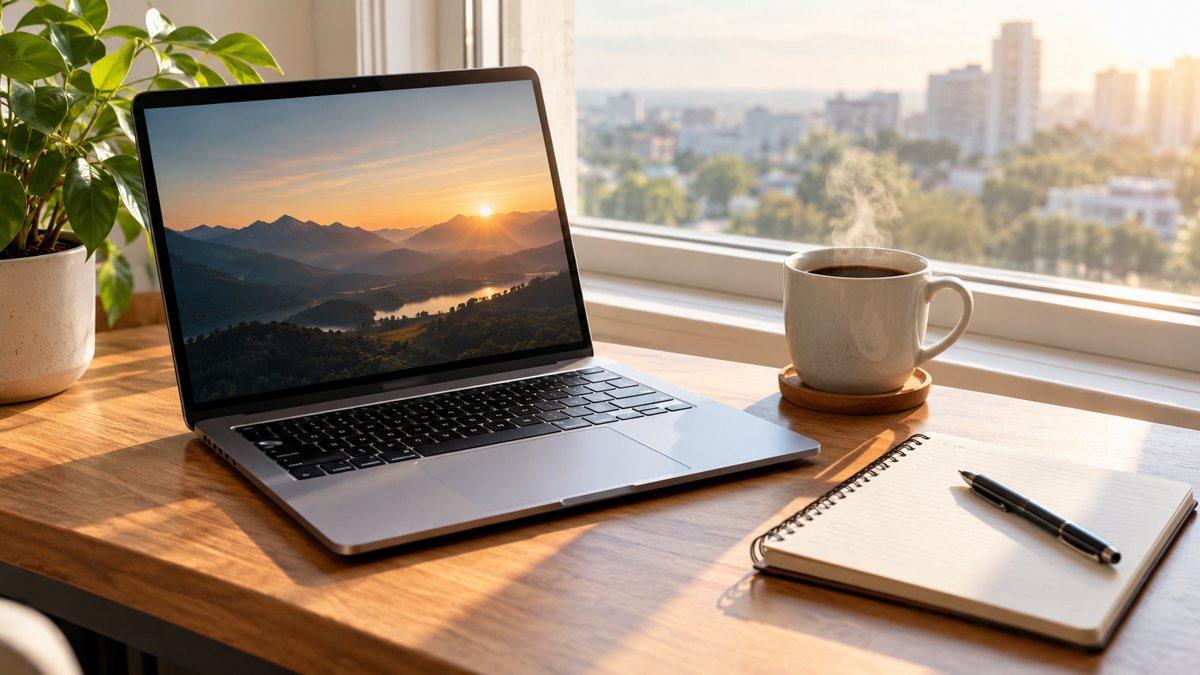 Made by the bot
In short: Make business images from a text prompt in Telegram. Backgrounds for ads, posts, pages and decks, 2 credits each, 15 free credits for new users to try.
- Where: the VisuMate bot in Telegram, no app or sign-up.
- Cost: 2 credits per image, 7 images free, then packs from 49 Telegram Stars.
- Time: 1 to 2 minutes per image, rerun with a new instruction at the same price.
When you need this
- You need many images and have no designer.
- Stock photos cost money and repeat.
- Each channel needs its own format.
How to do it
- 1
Open the bot with the link on this page and press Start. You land in the image from a prompt mode.
- 2
Pick the use first, then describe: the subject, the place, the colors, the empty space for text. Mention the channel so the framing fits.
- 3
The image comes back in 1–2 minutes (2 credits). Look at hands, text and small objects first, then save it or rerun with a changed prompt.
Try it on your own photo: 7 images are free, no sign-up.
Make it in TelegramMatch the type to the job
Ad backgrounds need empty space and contrast. Website heroes need a wide scene. Presentation slides need calm, simple pictures. Social posts need a clear subject. Say the job in the prompt, and the framing follows. For text-heavy designs such as price lists, use the banner or post modes, and check the words. Start with one channel and one image type, and expand once you know which prompts give you reliable results for your brand.
Fit into your workflow
Use the bot for the first draft of a visual, then finish in your usual editor. Keep brand colors in a style sentence and paste it into each prompt. Record which prompts produce the best results for your brand. Review every image for odd details such as extra fingers or garbled text, and for rights questions if you plan to use them in paid ads. Share the best prompts with your team in a single note, so everyone produces images with the same look.
Tips
- Decide the use before you write the prompt.
- Describe space for text.
- Keep a library of your best prompts.
- Check text and details on every image.
Questions and answers
Is it good for ads?
Yes, as an image. Check platform text rules.
Can it keep my brand look?
Name colors and style each time.
How many free images?
7 with 15 free credits.
Cost?
2 credits per image.
More in "Banners and stories"
- Image for an ad without a designerMake an ad image without a designer. Describe the scene in Telegram, get an image in 1–2 minutes, 2...
- SMM freelancer image workflowA workflow for social media freelancers: one style sentence per client, prompts in Telegram, images in...
- Vet clinic friendly imageMake friendly images for a vet clinic from a text prompt in Telegram. Warm waiting-room and pet scenes, no...
- Pinterest idea board imagesMake Pinterest idea board images from a text prompt in Telegram. Vertical scenes for inspiration boards, 2...
- Restaurant menu promo bannerCreate a restaurant promo banner for a menu special from a short brief in Telegram. 16:9 image with your...