A WeChat profile picture friends spot in a long list
A chat list is a column of tiny squares, and yours has to be easy to find. Send a selfie, describe the mood, and the bot makes a clean portrait with soft color and a face that stays clear at a small size.
- 2 credits per image
- Result in 1–2 minutes
- No sign-up
In short: Create a WeChat profile picture from a selfie with a soft palette, a clear face and a square shape that looks tidy in chats and Moments. 7 images free.
- Where: the VisuMate bot in Telegram, no app or sign-up.
- Cost: 2 credits per image, 7 images free, then packs from 129 Telegram Stars.
- Time: 1 to 2 minutes per image, rerun with a new instruction at the same price.
- Credits never expire, there is no subscription and no auto-renew. You pay once for a pack inside Telegram with Stars.
When you need this
- Your chat avatar is a default silhouette.
- Colleagues and family each know you from a different photo.
- You want a fresh picture for a new season.
How to do it
- 1
Press the button to open @visumate_ai_bot in Telegram. No sign-up, and new users get 15 free credits, which is 7 images.
- 2
Send a front-facing photo as a file. In the caption write: 'square portrait, my face centered, soft peach background, light cream sweater, gentle smile, clean simple shapes, gentle even light'.
- 3
In 1-2 minutes the portrait arrives for 2 credits. Zoom out on your phone and confirm the face is still clear.
Try it on your own photo: 7 images are free, no sign-up.
Make it in TelegramSquare and simple
Chat apps show square tiles, so keep the face large and the background calm. Soft peach, mint and pale blue are friendly in both light and dark modes. If it looks dull, rerun with 'brighter eyes, slightly higher contrast, warm light'. Add your real hair and glasses so friends recognize you in group chats. Preview it inside a chat list to be sure it stands out.
Privacy and fit
A stylized portrait is a good choice if you prefer not to show your exact face to every contact. Apps can change picture sizes and rules, so check the current guidance. Avoid backgrounds that reveal your home or workplace. Keep a second version for professional contacts, with a plain wall and a smart top. Consider a different picture for each circle of contacts.
Tips
- Choose one soft color.
- Keep the square composition.
- Use a gentle smile.
- Skip text.
Questions and answers
Can I use the same file elsewhere?
Yes. It is a normal image.
Is a cartoon version possible?
Yes. Ask for a flat illustrated look.
What does it cost?
2 credits per image. New users get 15 free credits, so 7 images cost nothing. After that packs start at 129 Telegram Stars, about $2.6 and credits do not expire.
Does the bot work in English?
Yes. It picks up your Telegram language on first launch. You can switch it any time with /lang.
What the bot does not do
- Works from one photo. Likeness depends on the photo you send, and some styles change features more than others.
- Does not make video or animation.
- Does not output a transparent PNG.
- Does not retouch passport or ID photos.
More in "Photo styles"
- A WhatsApp profile picture that reads at thumbnail sizeMake a WhatsApp profile picture that stays clear in the tiny circle, from your photo or an idea. Telegram...
- A Telegram avatar made from your photoTurn a photo into a Telegram profile picture or channel avatar with a bold look that holds up in a small...
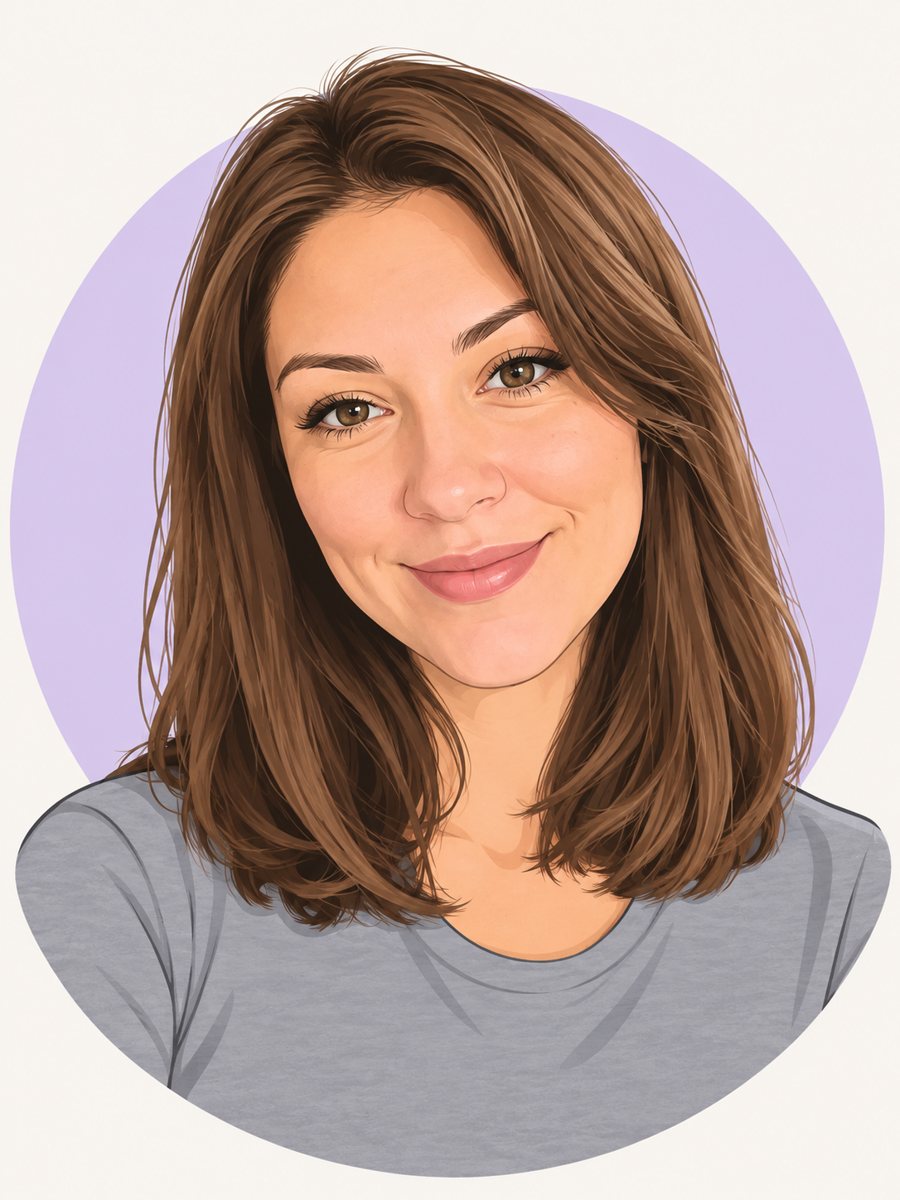 Make a cartoon avatar from your photoDraw a friendly cartoon avatar from your photo in clean vector style with a pastel circle background....
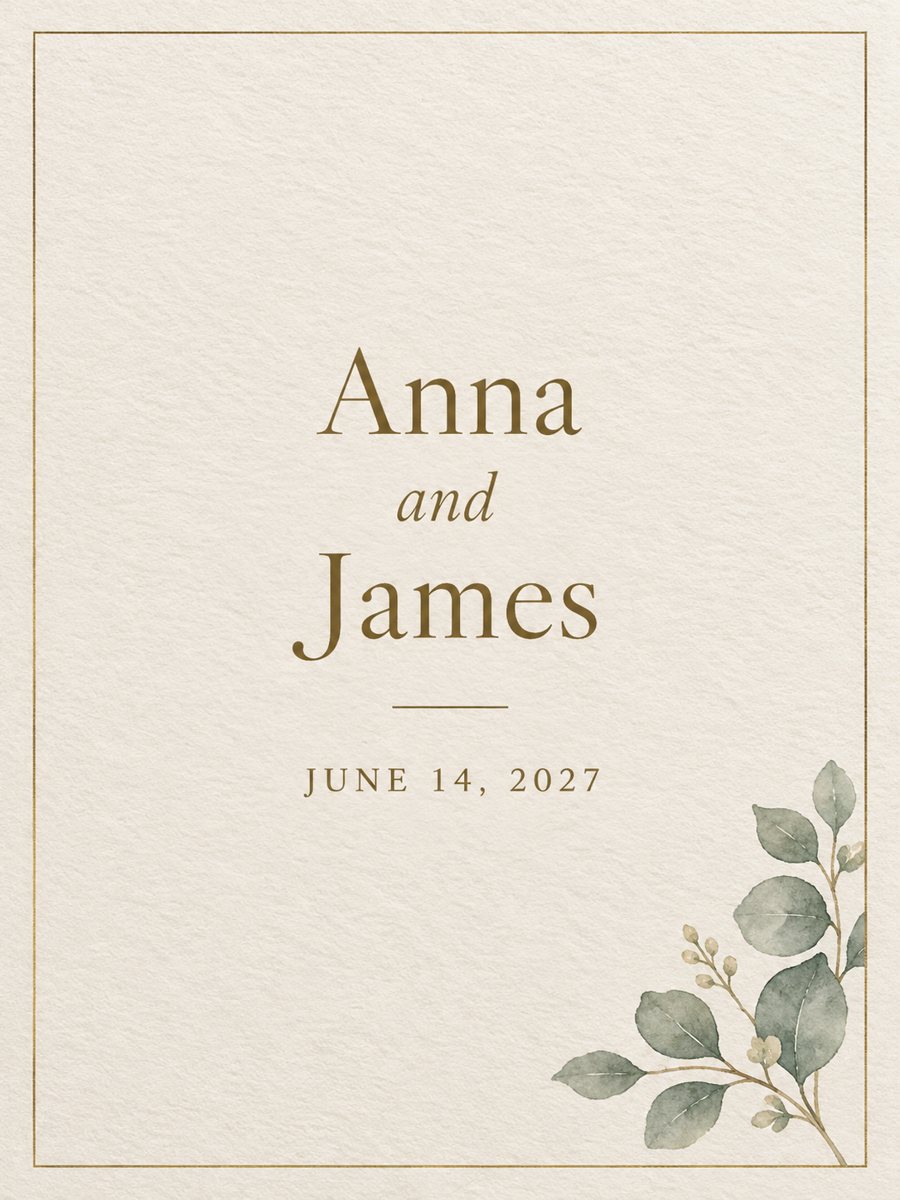 Make a wedding invitation from one line of textType the names and the date, get a minimal wedding invitation on cream paper with a gold border. Ready...
- A wedding planner headshot that says the day will go smoothlyGet a polished wedding planner headshot with soft florals and calm elegance for your portfolio, vendor...
- A thank you card that matches your wedding dayCreate an elegant wedding thank you card with florals, soft gold and space for a personal note to each...