An author photo for a newsletter people actually open
Readers who pay for a newsletter want to feel they know the writer. Send a photo, describe a quiet reading corner, and the bot paints a thoughtful portrait with window light and a blurred shelf behind you.
- 2 credits per image
- Result in 1–2 minutes
- No sign-up
In short: Create a thoughtful newsletter author photo with a reading chair and window light for your Substack about page and email header. 7 images free in Telegram.
- Where: the VisuMate bot in Telegram, no app or sign-up.
- Cost: 2 credits per image, 7 images free, then packs from 129 Telegram Stars.
- Time: 1 to 2 minutes per image, rerun with a new instruction at the same price.
- Credits never expire, there is no subscription and no auto-renew. You pay once for a pack inside Telegram with Stars.
When you need this
- Your first issue is ready and the author slot is empty.
- Your about page reads warm and the photo reads cold.
- A podcast host wants to link to your newsletter with a picture.
How to do it
- 1
Press the button to open @visumate_ai_bot in Telegram. No sign-up, and new users get 15 free credits, which is 7 images.
- 2
Send a front-facing photo as a file. In the caption write: 'mustard cardigan over a white shirt, armchair beside a window with a blurred bookshelf, thoughtful slight smile, soft overcast daylight'.
- 3
In 1-2 minutes the portrait arrives for 2 credits. Check that the shelf has no readable titles.
Try it on your own photo: 7 images are free, no sign-up.
Make it in TelegramA reader's corner
Newsletter readers read on couches and trains, so a cozy backdrop suits the medium. Keep the frame simple: a chair, a window, a book. If it feels posed, rerun with 'candid, looking out the window, tea on the sill'. A single warm color near your face gives the avatar a clear outline in the inbox, where pictures appear small. Test the crop in a preview email before you publish.
About page and header
Place the portrait beside a short bio that says what you write about and how often. Use a wide crop for the email header and a round one for comments. Platform image sizes change, so check the current guidance. Add your real credentials or experience in text, and keep the picture honest by labeling it as stylized if you want readers to know.
Tips
- Pick a cardigan or a plain jacket.
- Ask for blurred shelves.
- Choose overcast window light.
- Order a round crop for the avatar.
Questions and answers
Can I use it for my book too?
Yes. See the author headshot page.
Does it suit a poet?
Yes. Ask for a quiet desk and a lamp.
What does it cost?
2 credits per image. New users get 15 free credits, so 7 images cost nothing. After that packs start at 129 Telegram Stars, about $2.6 and credits do not expire.
Does the bot work in English?
Yes. It picks up your Telegram language on first launch. You can switch it any time with /lang.
What the bot does not do
- Works from one photo. Likeness depends on the photo you send, and some styles change features more than others.
- Does not make video or animation.
- Does not output a transparent PNG.
- Does not retouch passport or ID photos.
More in "Photo styles"
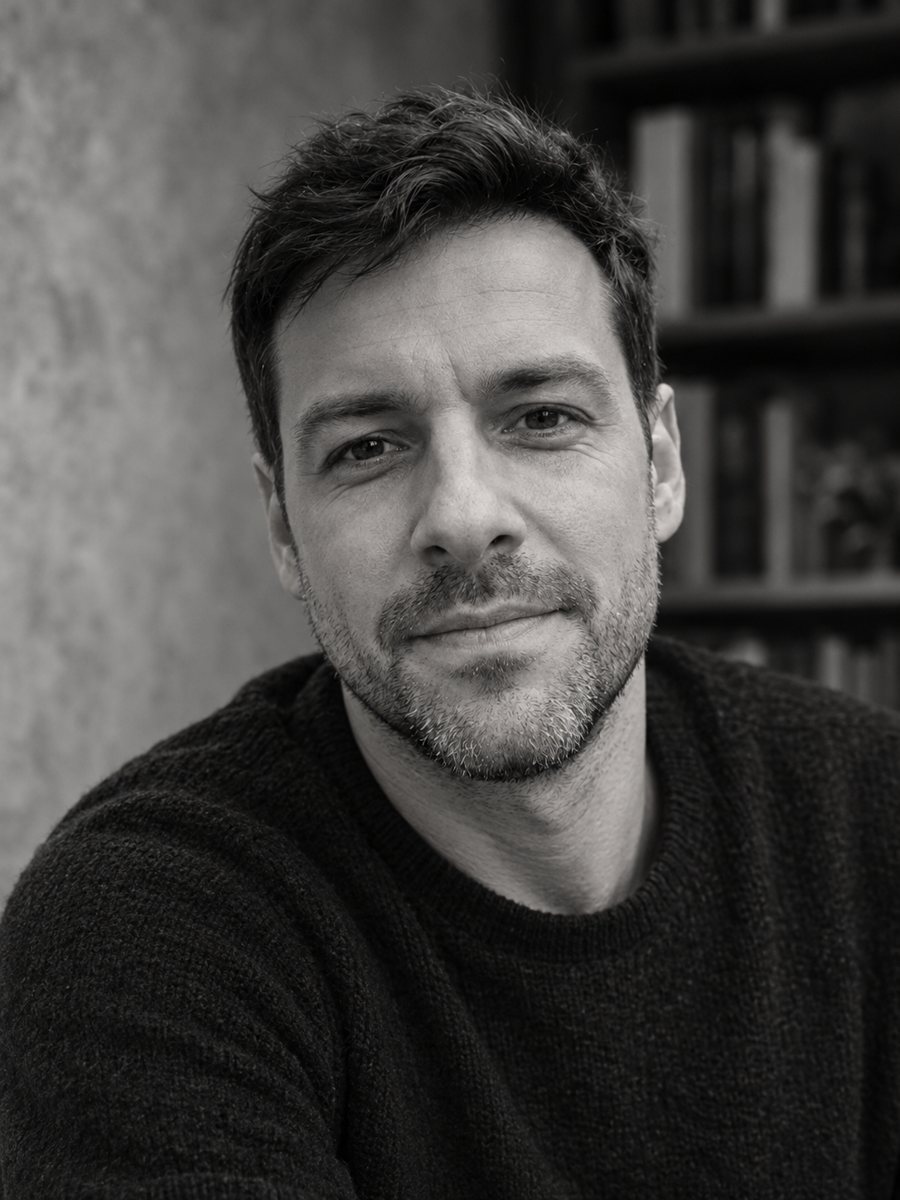 Create an author headshot for your bookTurn a photo into a black and white author headshot for a book jacket with soft directional light. Copy...
- A copywriter headshot with a notebook and a good line readyMake a witty copywriter headshot with a cozy desk, a notebook and a mug for your portfolio site, pitch...
 Create a professional headshot from your photoMake a polished headshot with a light gray backdrop, soft studio light and natural retouching. Ready...
- A summer BBQ invitation with smoke and string lightsMake a summer BBQ invitation background with a grill, string lights and a checkered cloth, leaving a clean...
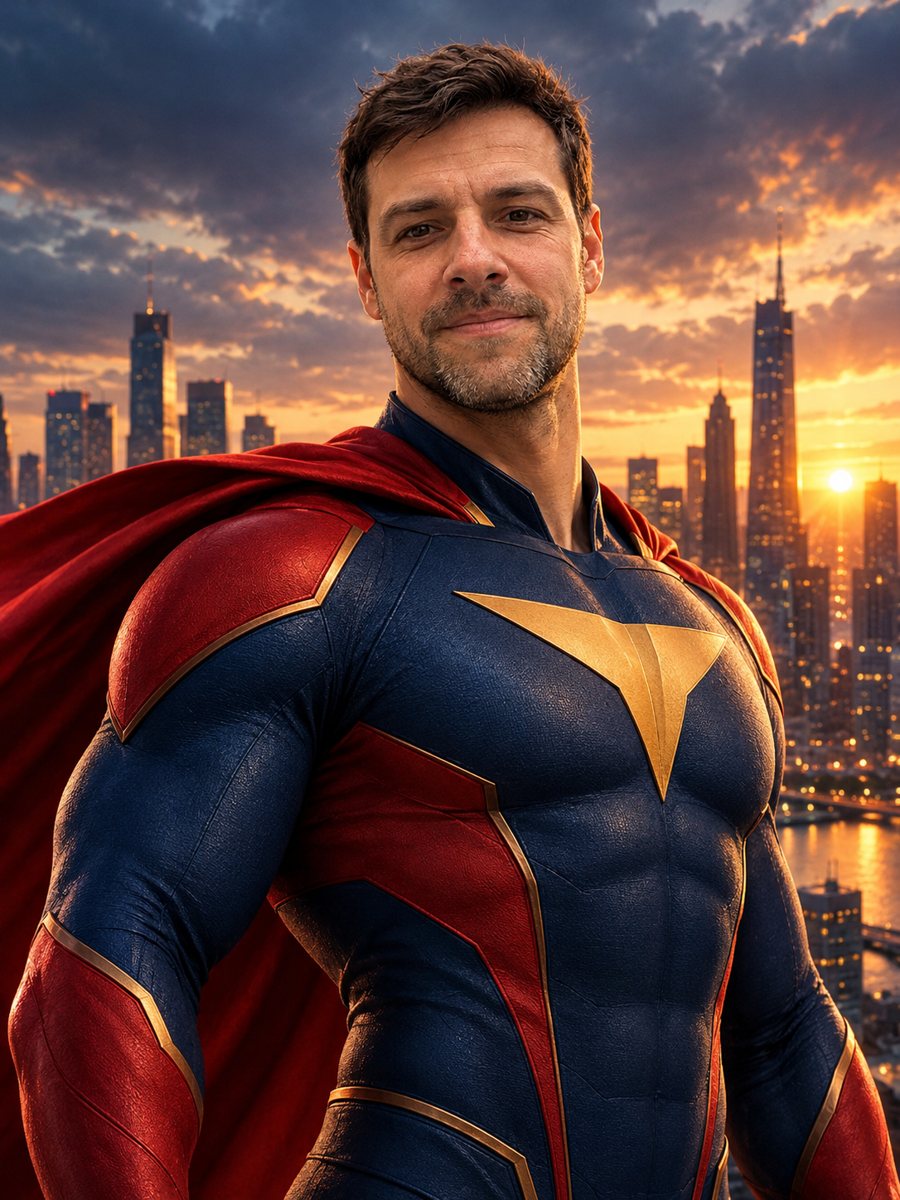 Turn yourself into a superheroTurn yourself into an original superhero with a two-color suit, emblem and cape against a city skyline....
- A portrait from the middle of a strange daydreamCreate a dreamlike surrealist portrait with melting clocks, floating objects and a calm desert sky around...