A speech therapist headshot with a listening face
Parents bring a child to a speech therapist hoping the room feels safe. Send a photo, describe the space, and the bot paints a soft portrait with picture cards and a small table blurred behind you.
- 2 credits per image
- Result in 1–2 minutes
- No sign-up
In short: Create a patient speech therapist headshot with a playful therapy room, soft color and kind attention for parent referrals and practice pages. 7 images free.
- Where: the VisuMate bot in Telegram, no app or sign-up.
- Cost: 2 credits per image, 7 images free, then packs from 129 Telegram Stars.
- Time: 1 to 2 minutes per image, rerun with a new instruction at the same price.
- Credits never expire, there is no subscription and no auto-renew. You pay once for a pack inside Telegram with Stars.
When you need this
- Your referral page is full of terms and has no friendly face.
- A school contract asks for a staff picture.
- Your telehealth profile shows a plain grey circle.
How to do it
- 1
Press the button to open @visumate_ai_bot in Telegram. No sign-up, and new users get 15 free credits, which is 7 images.
- 2
Send a front-facing photo as a file. In the caption write: 'dusty blue blouse, bright therapy room with a low round table and colorful picture cards blurred behind, head slightly tilted in a listening way, warm patient smile, soft daylight'.
- 3
In 1-2 minutes the portrait arrives for 2 credits. Check the picture cards on the wall and the table edge, where shapes may smear.
Try it on your own photo: 7 images are free, no sign-up.
Make it in TelegramAttention is the style
What parents notice is how the therapist looks at a child. A slight head tilt, a soft mouth and a lowered camera height suggest a person who waits for the answer. Bright primary colors can crowd the frame, so pick one or two. Any text on the cards will come out garbled, which is why they should stay out of focus. If the room looks like a nursery, rerun with 'tidy adult-friendly clinic, shelves, a plant'.
Referrals and telehealth
A friendly picture helps on a referral form, a school staff page and a video visit profile. Registration, specialties and the age groups you serve belong in plain text. If you see adults as well as children, make a second portrait with a quieter room. Never post pictures of clients without written consent, and keep this generated portrait free of any real child's face.
Tips
- Ask for a low round table instead of a desk.
- Keep the cards blurred, so no text appears.
- Tilt the head slightly for attention.
- Order a square crop for school directories.
Questions and answers
Can it add a child to the picture?
It is better not to. Keep client images out of generated art.
Does it suit a telehealth profile?
Yes. Ask for a plain wall and a bookshelf.
What does it cost?
2 credits per image. New users get 15 free credits, so 7 images cost nothing. After that packs start at 129 Telegram Stars, about $2.6 and credits do not expire.
Does the bot work in English?
Yes. It picks up your Telegram language on first launch. You can switch it any time with /lang.
What the bot does not do
- Works from one photo. Likeness depends on the photo you send, and some styles change features more than others.
- Does not make video or animation.
- Does not output a transparent PNG.
- Does not retouch passport or ID photos.
More in "Photo styles"
- A therapist headshot that feels warm before the first sessionMake a warm therapist headshot for your practice website or directory listing from a single photo....
 Create a warm, approachable teacher headshotTurn a photo into a warm educator headshot with a smart casual shirt and a blurred classroom or library....
- A physiotherapist headshot that eases first-visit nervesMake a friendly physiotherapist headshot for a clinic website or booking page from a phone photo, in clean...
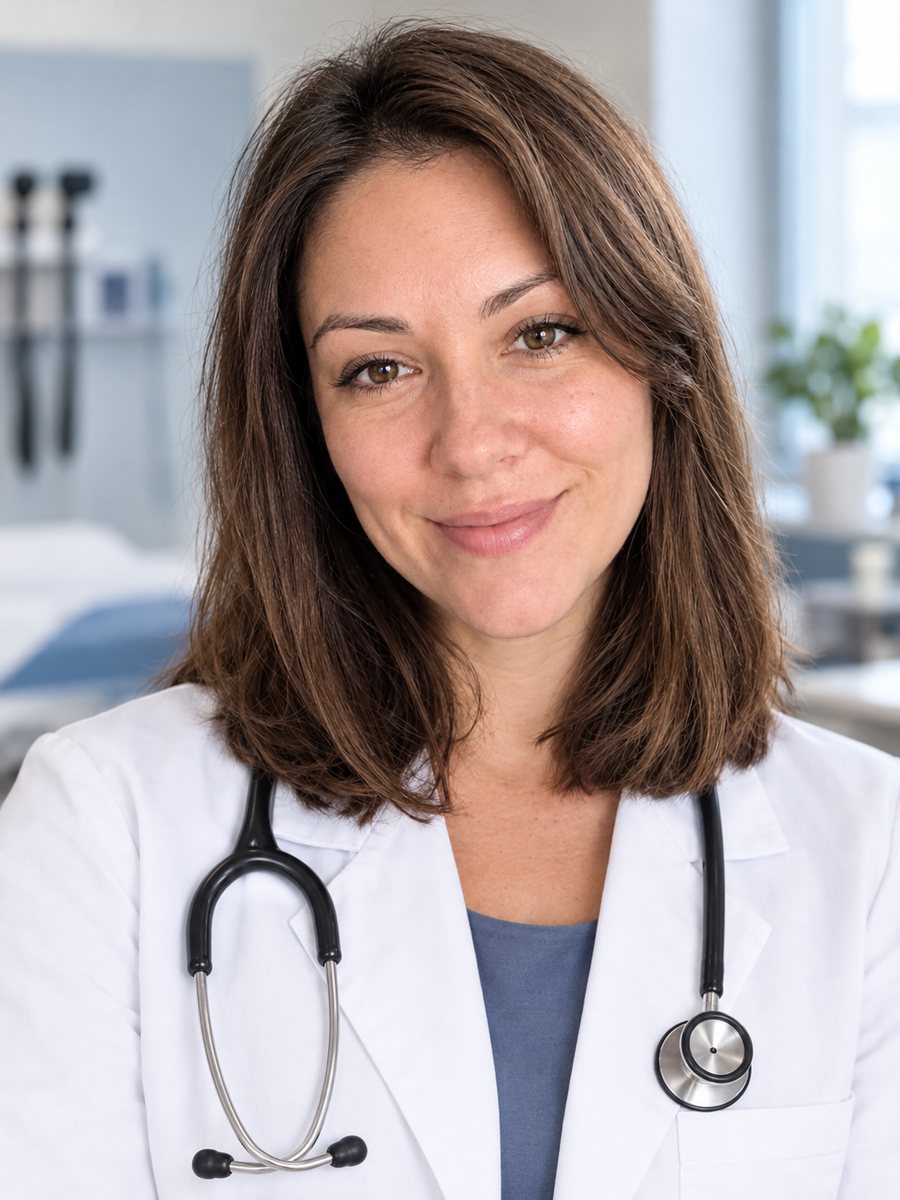 Create a doctor headshot from a regular photoTurn a photo into a medical headshot with a white coat, stethoscope and a blurred clinic. Copy the ready...