Turn your pet photo into an oil painting
You send a photo of your pet and get a picture that looks like an oil painting. It has visible brushstrokes, a warm earthy palette, soft directional light and a dark neutral background, like a portrait in a museum. The face and fur remain recognizable.
- 2 credits per image
- Result in 1–2 minutes
- No sign-up
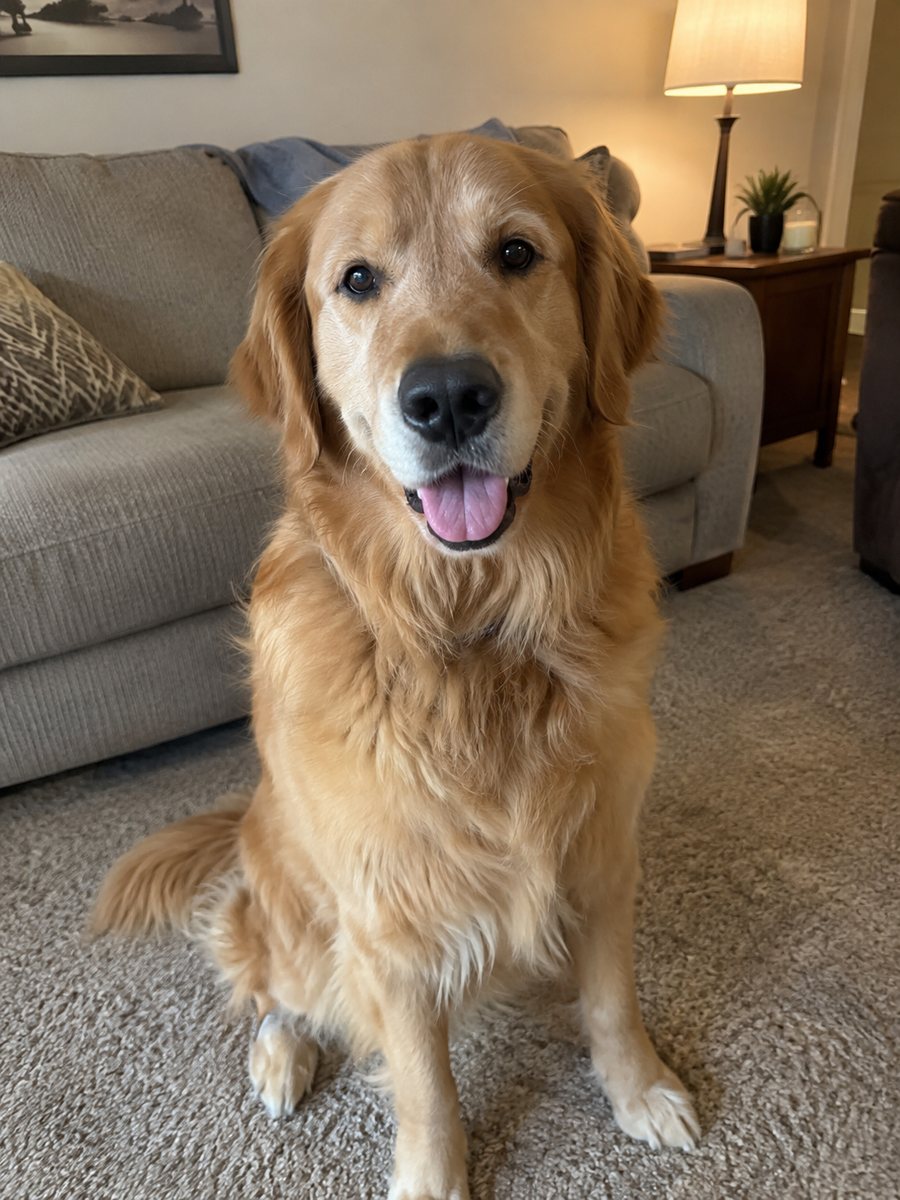
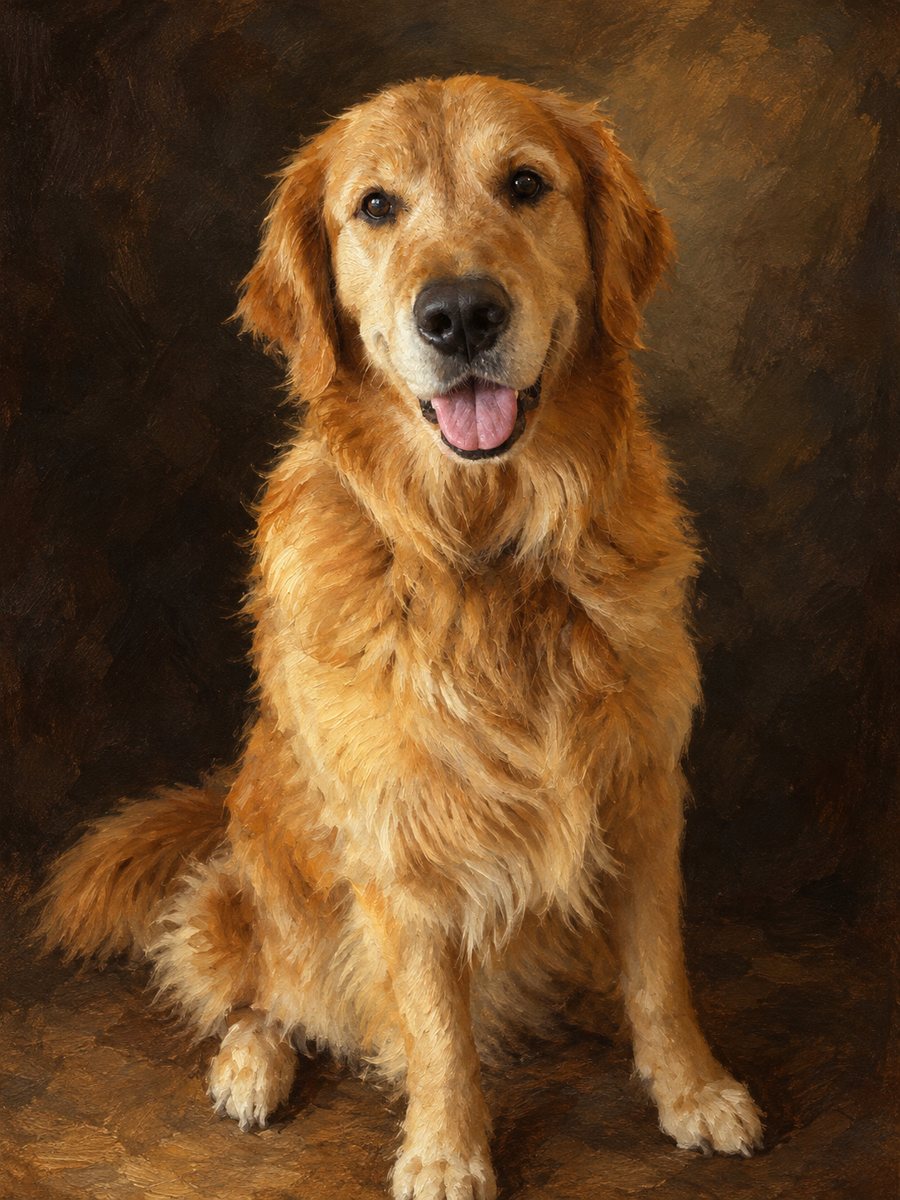 BeforeAfter
In short: Turn a photo of your dog or cat into a classic oil painting with warm brushstrokes and a dark museum background. Ready prompt, 7 images free to try.
- Where: the VisuMate bot in Telegram, no app or sign-up.
- Cost: 2 credits per image, 7 images free, then packs from 49 Telegram Stars.
- Time: 1 to 2 minutes per image, rerun with a new instruction at the same price.
When you need this
- You want a dignified portrait of your dog for the living room wall.
- You are looking for a memorial or birthday gift without paying for a commissioned painting.
- Your cat's photo is nice but flat, and you want something that looks like art.
How to do it
- 1
Press the button. The bot opens with the pet oil painting style selected.
- 2
Send a sharp photo of your pet's face, ideally as a file. In the caption you can add a wish, for example slightly more golden light.
- 3
In 1-2 minutes you get the painting for 2 credits. Check the eyes and fur color and rerun if needed.
Try it on your own photo: 7 images are free, no sign-up.
Make it in TelegramThe prompt behind this style
Repaint this photo of a pet as a classic oil painting. Keep the animal's face and fur recognizable. Visible brushstrokes, warm earthy palette, soft directional light, a dark neutral background, museum portrait feel. Vertical 3:4, no text.
The painting style
The result imitates a classic portrait: visible brushstrokes, deep warm browns and golds, soft light from one side and a dark background that lets the face stand out. The picture is vertical 3:4 and has no text. It suits framing in a hallway, a gift card with an image of a beloved pet or a profile picture with a quiet, old-master mood.
Getting the likeness
Eyes carry the portrait, so use a photo where they are sharp and open. The AI paints fur with strokes, which smooths tiny hairs and may soften fine markings. If the color shifts too far from reality, write the actual coat color in the caption. Reruns cost 2 credits each and give different brushwork, so a second try is often worth it.
Honest expectations
It is a digital image, not a real canvas. For a physical canvas, print it at a shop and check the resolution at your size first. The bot does not add a nameplate or a frame, though a simple frame can be added in any editor. For a memorial portrait, review the face carefully before you print. Compare two results side by side before you pick the one to keep.
Tips
- A calm, front-facing portrait photo works better than an action shot.
- Soft side light in the original gives a more painterly result.
- Ask for a darker or lighter background in the caption.
- Keep the whole head in the frame with some room above.
- Print on matte paper to get a canvas-like feel.
Questions and answers
Does it look like a real painting?
It imitates one with visible brushstrokes, but it is an AI image.
Can I use a group of pets?
The style is made for one animal. Several pets in one photo may give uneven results.
Which pets work best?
Dogs and cats with a clear face. Other animals vary.
Can I get a lighter background?
Ask in the caption, but the default is dark.
What does a run cost?
2 credits.
More in "Photo styles"
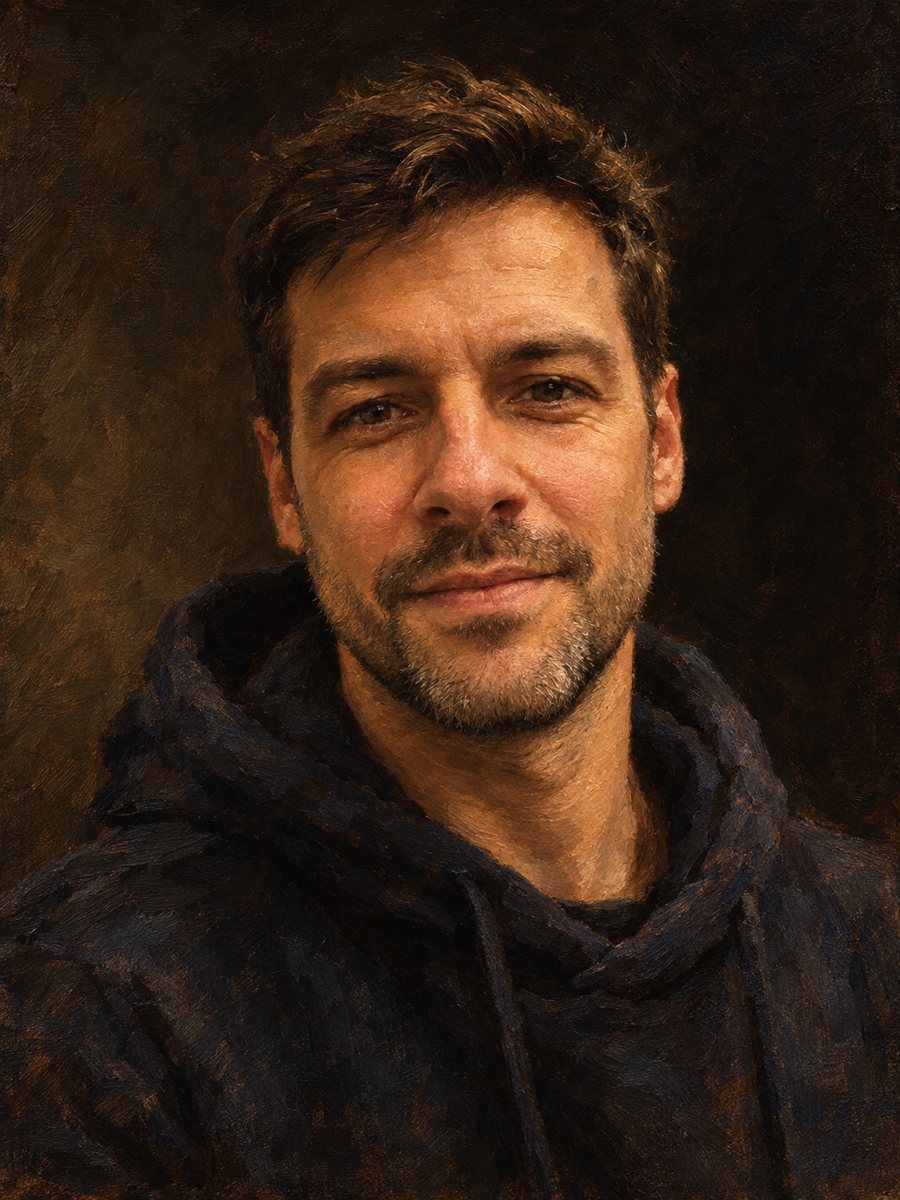 Make an oil painting portrait from a photoRepaint a photo as a classical oil portrait with brush strokes and dramatic light. Ready prompt, 2 credits...
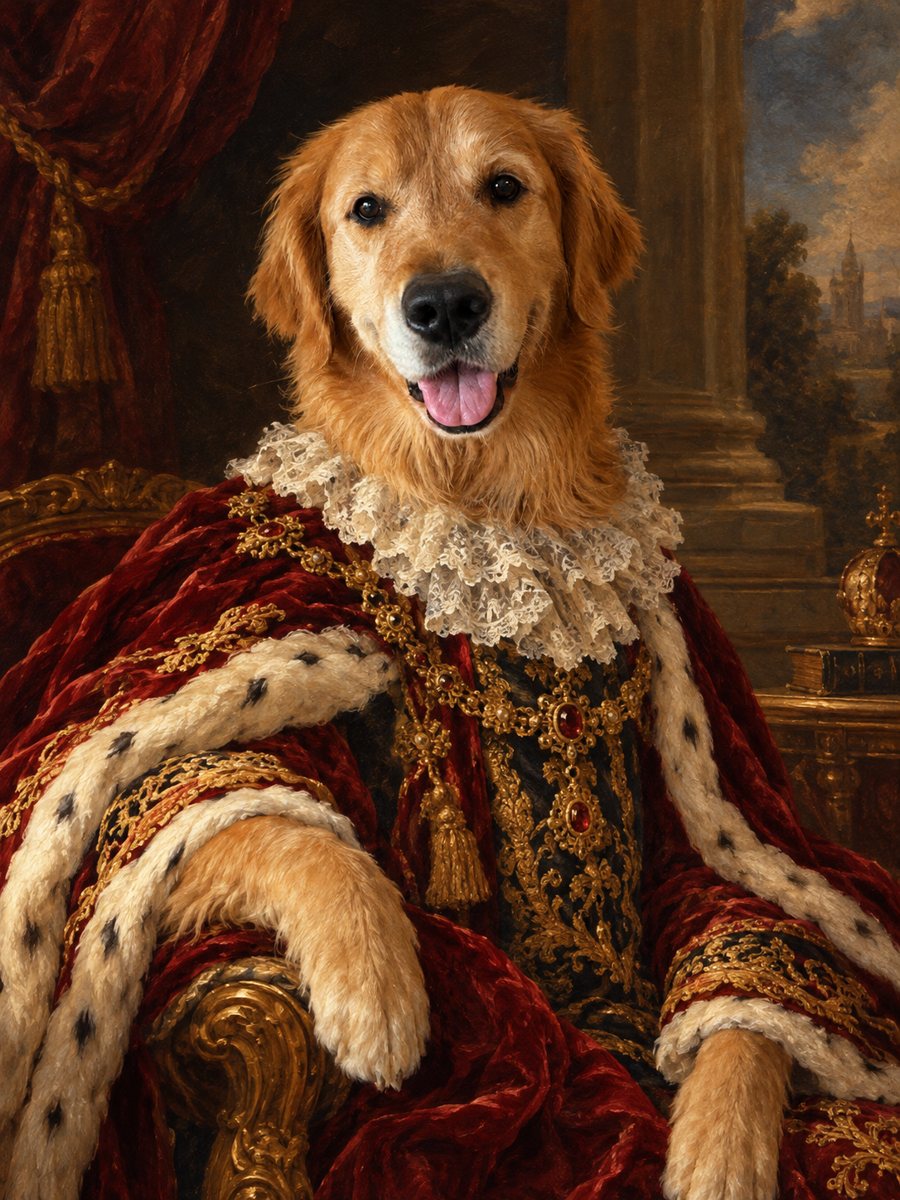 Turn your pet into a royal oil portraitTurn your dog or cat into a regal 18th century oil portrait with velvet robe and lace collar. Ready prompt...
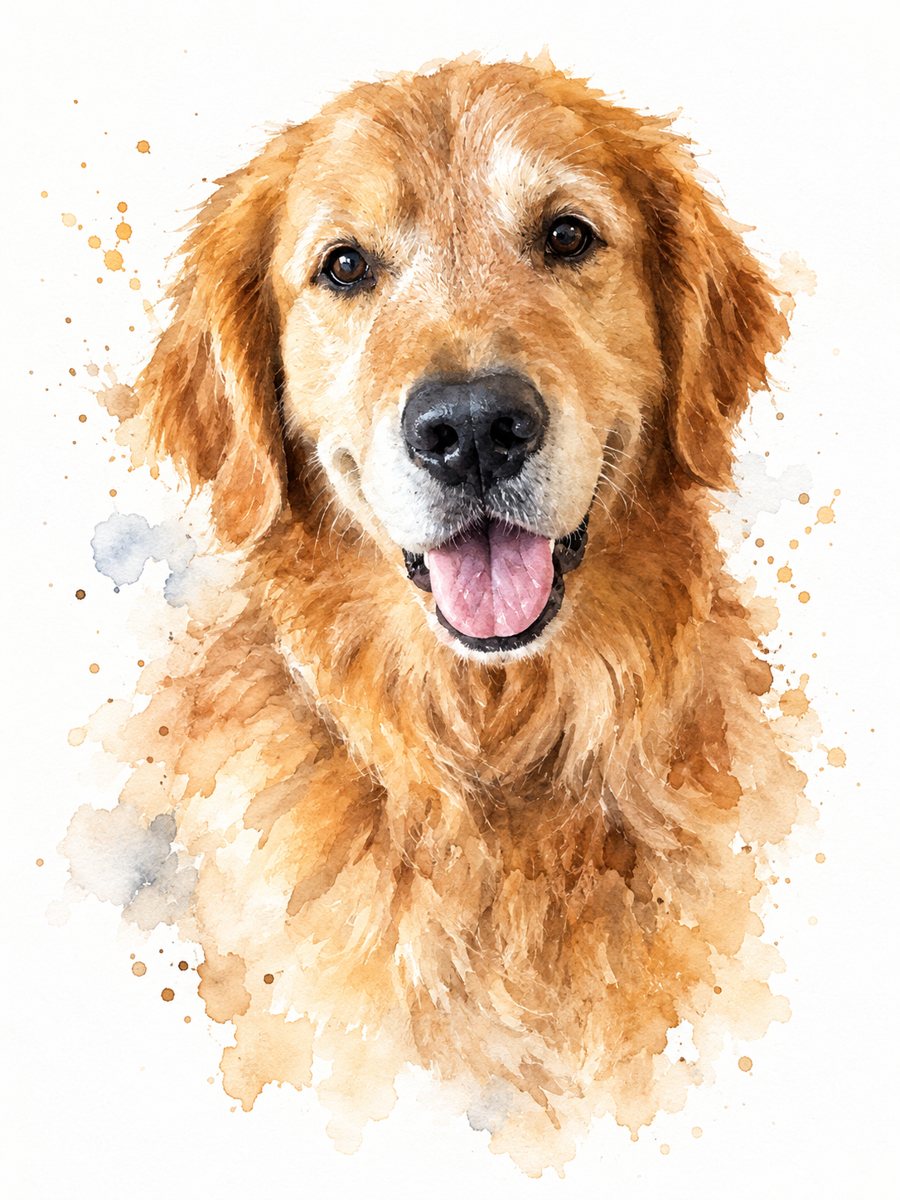 Turn your pet photo into a watercolor paintingPaint your dog or cat as a loose watercolor portrait with soft washes and splashes on white paper. Ready...
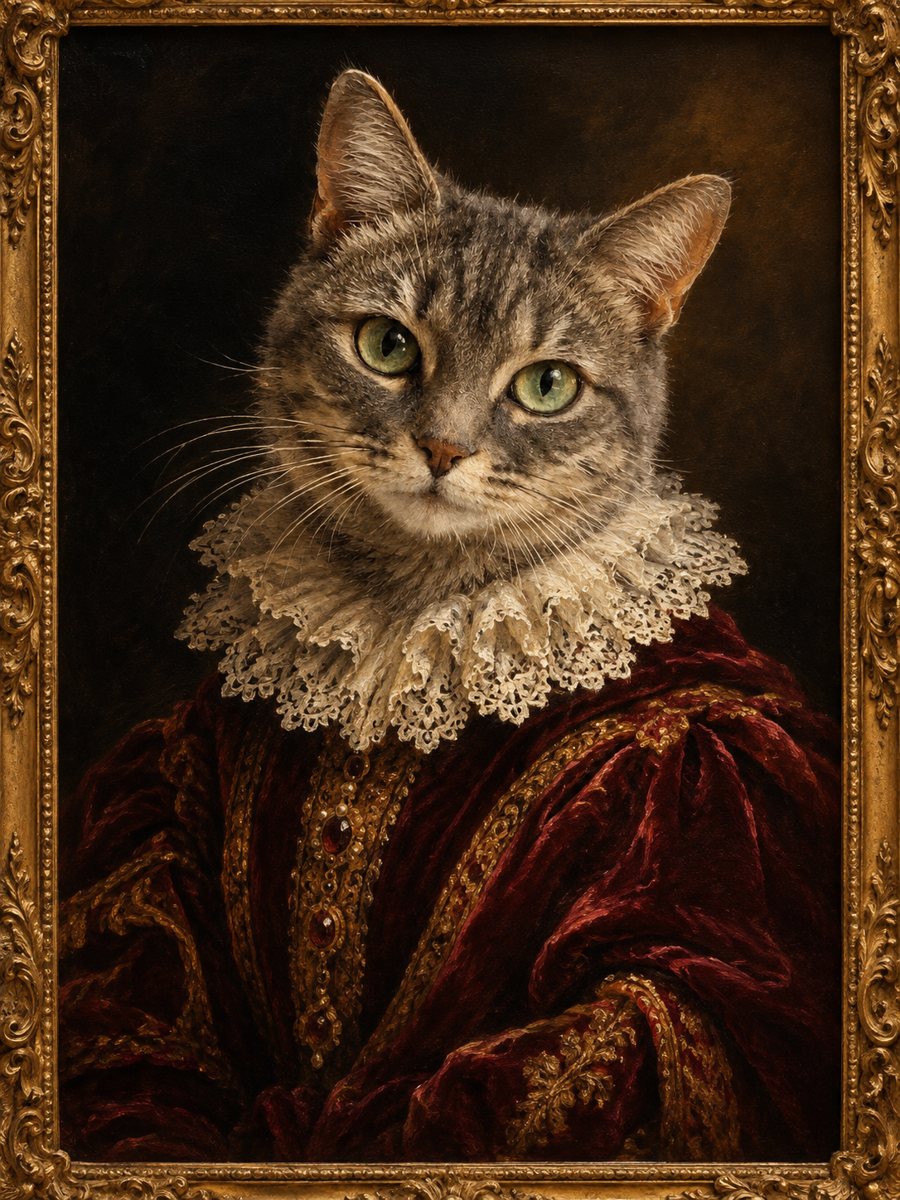 Turn your cat into a Renaissance oil paintingPaint your cat as a Renaissance oil portrait with velvet robe, lace collar and a gilded frame edge. Ready...
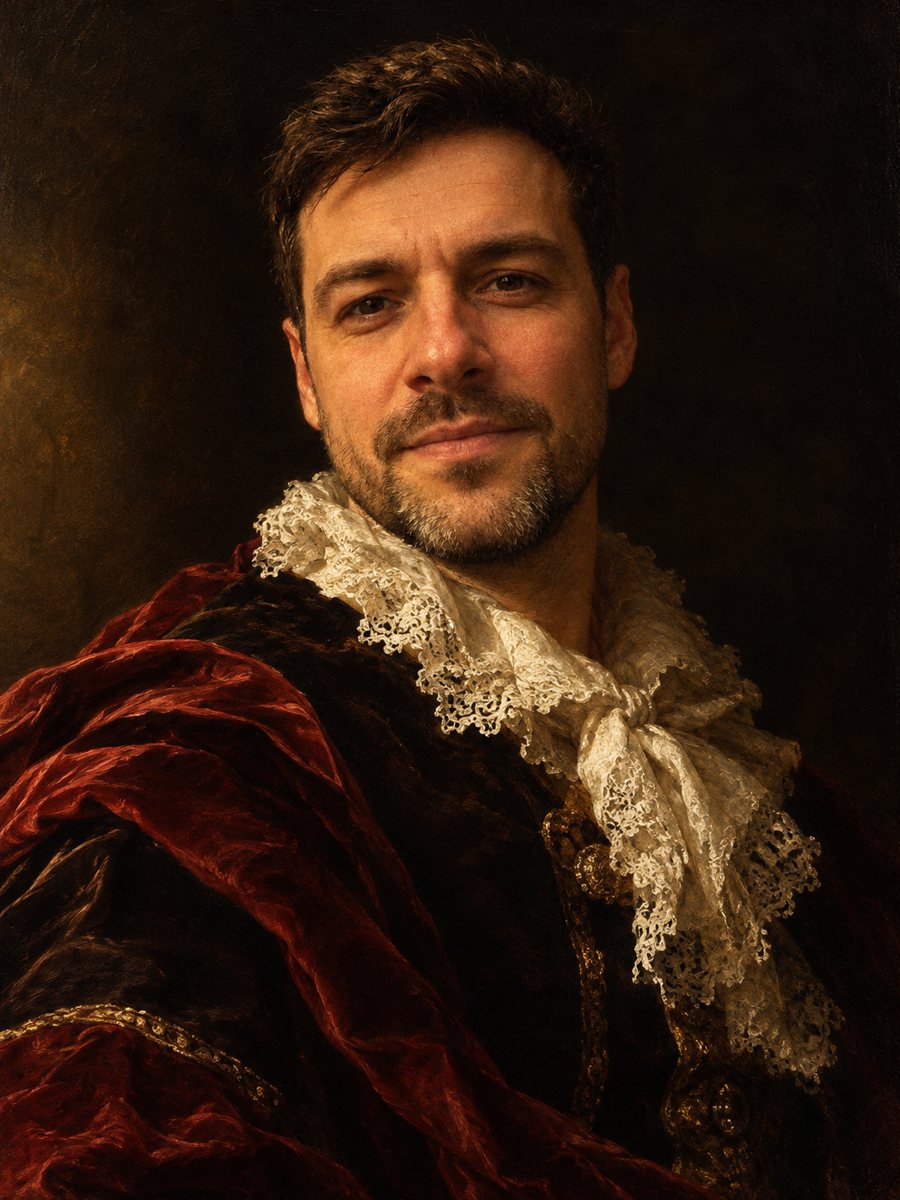 Turn your photo into a baroque oil paintingRepaint your photo as a 17th century baroque oil portrait with dramatic side light, velvet and lace. Copy...