A Patreon creator photo that makes a patron feel invited
Patrons support a person, and the photo on your page is the first handshake. Send a selfie, describe your creative corner, and the bot paints a warm portrait with the tools of your craft softly blurred behind you.
- 2 credits per image
- Result in 1–2 minutes
- No sign-up
In short: Make a warm Patreon creator photo with a cozy studio, soft color and a friendly look that welcomes new patrons and shows who makes it. 7 images free.
- Where: the VisuMate bot in Telegram, no app or sign-up.
- Cost: 2 credits per image, 7 images free, then packs from 129 Telegram Stars.
- Time: 1 to 2 minutes per image, rerun with a new instruction at the same price.
- Credits never expire, there is no subscription and no auto-renew. You pay once for a pack inside Telegram with Stars.
When you need this
- Your page has great tiers and a blurry avatar.
- A new cover image should show who makes the work.
- Patrons ask for a face in the monthly update posts.
How to do it
- 1
Press the button to open @visumate_ai_bot in Telegram. No sign-up, and new users get 15 free credits, which is 7 images.
- 2
Send a front-facing photo as a file. In the caption write: 'warm knit sweater, cozy creative corner with a desk lamp, a stack of sketchbooks and a mug blurred behind, relaxed grateful smile, soft golden evening light, head and shoulders'.
- 3
In 1-2 minutes the portrait arrives for 2 credits. Check the lamp and the mug in the background, which can merge with your hair.
Try it on your own photo: 7 images are free, no sign-up.
Make it in TelegramWelcome, with no sales pitch
A patron page does better with a relaxed face than with a posed salesperson. Warm light, a soft sweater and a corner of the studio create a place where people feel like guests. Heavy props distract from the work. If the portrait looks too tidy, rerun with 'real desk, a few pencils scattered, a half-finished drawing'. Say what you make in the caption so the scene matches your craft.
Cover and updates
Use a close crop for the avatar and a wide scene for the cover. Update the image when the work shifts, for example when a podcast starts or a comic series ends. Tier descriptions and rewards must be written by you, since promises belong in your own words. Any rewards you advertise should be real, and the portrait should suggest nothing about them.
Tips
- Show one hint of your craft, such as a sketchbook.
- Pick warm light.
- Keep the smile genuine.
- Order a wide version for the cover.
Questions and answers
Can the cover show my art?
Use your real artwork for that. The bot can make a space for it.
Does it suit a podcaster?
Yes. Add a microphone and a plain wall.
What does it cost?
2 credits per image. New users get 15 free credits, so 7 images cost nothing. After that packs start at 129 Telegram Stars, about $2.6 and credits do not expire.
Does the bot work in English?
Yes. It picks up your Telegram language on first launch. You can switch it any time with /lang.
What the bot does not do
- Works from one photo. Likeness depends on the photo you send, and some styles change features more than others.
- Does not make video or animation.
- Does not output a transparent PNG.
- Does not retouch passport or ID photos.
More in "Photo styles"
- An author photo for a newsletter people actually openCreate a thoughtful newsletter author photo with a reading chair and window light for your Substack about...
- A podcast host headshot with a mic and an easy laughCreate a warm podcast host headshot with a mic, soft studio foam and amber light for show pages, guest...
- A YouTube channel avatar that reads at tiny sizeMake a YouTube channel profile picture from your photo or a short idea, built to stay readable in tiny...
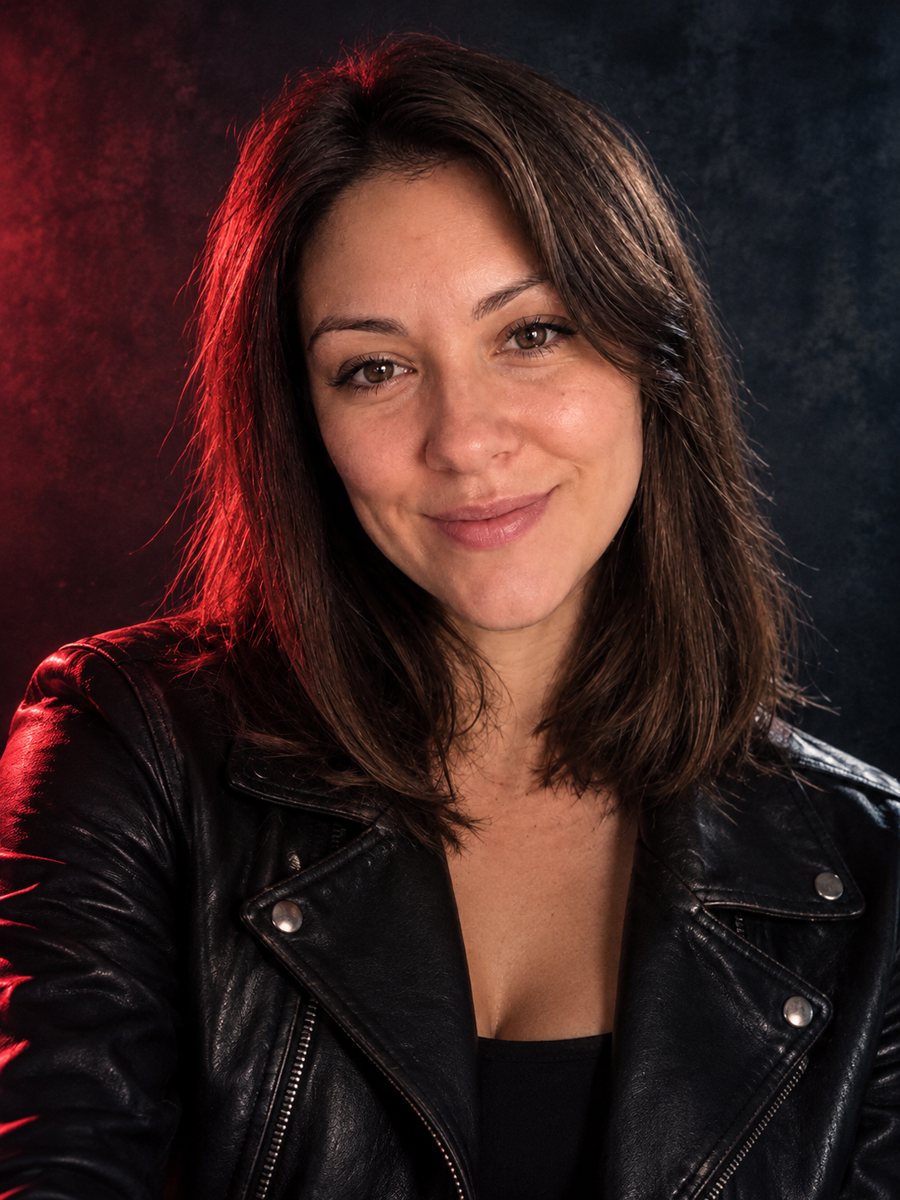 Create a musician press photo from a regular photoTurn a photo into a moody musician press photo with colored gel light, a dark backdrop and a leather...