A paramedic headshot with a calm voice you can see
A paramedic is often the first voice someone hears on a bad day, so a warm and composed portrait fits the work. Send a photo, describe the vehicle bay, and the bot paints a clear picture with reflective strips and a soft ambulance behind you.
- 2 credits per image
- Result in 1–2 minutes
- No sign-up
In short: Make a composed paramedic headshot with a blurred ambulance, high visibility jacket and calm eyes for staff pages and recruitment posts. 7 images free.
- Where: the VisuMate bot in Telegram, no app or sign-up.
- Cost: 2 credits per image, 7 images free, then packs from 129 Telegram Stars.
- Time: 1 to 2 minutes per image, rerun with a new instruction at the same price.
- Credits never expire, there is no subscription and no auto-renew. You pay once for a pack inside Telegram with Stars.
When you need this
- The service launches a recruitment page and needs real-looking faces.
- A hospital newsletter profiles the night crew this month.
- Your training course listing asks for an instructor picture.
How to do it
- 1
Press the button to open @visumate_ai_bot in Telegram. No sign-up, and new users get 15 free credits, which is 7 images.
- 2
Send a front-facing photo as a file. In the caption write: 'green paramedic jacket with reflective stripes, white ambulance softly blurred behind, simple look without equipment, calm reassuring expression, early morning light'.
- 3
In 1-2 minutes the portrait arrives for 2 credits. Check the stripes and the jacket seams, which should look even.
Try it on your own photo: 7 images are free, no sign-up.
Make it in TelegramReassuring on sight
Aim for relaxed shoulders, a level gaze and a faint smile. The image should say that you listen first. Equipment looks odd when generated, so keep it out of the frame and let the jacket and vehicle suggest the job. If the picture feels like a drama poster, rerun with 'ordinary day, parked vehicle, soft overcast light'. Keep your real glasses and hair in the caption.
Responsible use
Emergency services follow strict rules about identity and public images, so check your employer policy before posting. A generated portrait suits a training page, a recruiting post and an internal directory. Medical credentials and certifications belong in plain text near the picture. Avoid showing patients or scenes of treatment, since those need real consent and real photography. Keep the caption factual and the tone respectful.
Tips
- Ask for reflective stripes in a single color.
- Keep the ambulance blurred and plain.
- Skip medical gear in the hands.
- Choose soft early light.
Questions and answers
Can it add my certification badge?
Skip lettering. Add credentials as text on the page.
Is it good for a nurse or a doctor page?
Yes. Other pages cover those roles.
What does it cost?
2 credits per image. New users get 15 free credits, so 7 images cost nothing. After that packs start at 129 Telegram Stars, about $2.6 and credits do not expire.
Does the bot work in English?
Yes. It picks up your Telegram language on first launch. You can switch it any time with /lang.
What the bot does not do
- Works from one photo. Likeness depends on the photo you send, and some styles change features more than others.
- Does not make video or animation.
- Does not output a transparent PNG.
- Does not retouch passport or ID photos.
More in "Photo styles"
- A nurse headshot made from a regular photoCreate a nurse headshot with scrubs, a soft clinical background and a warm expression. Telegram bot, 7...
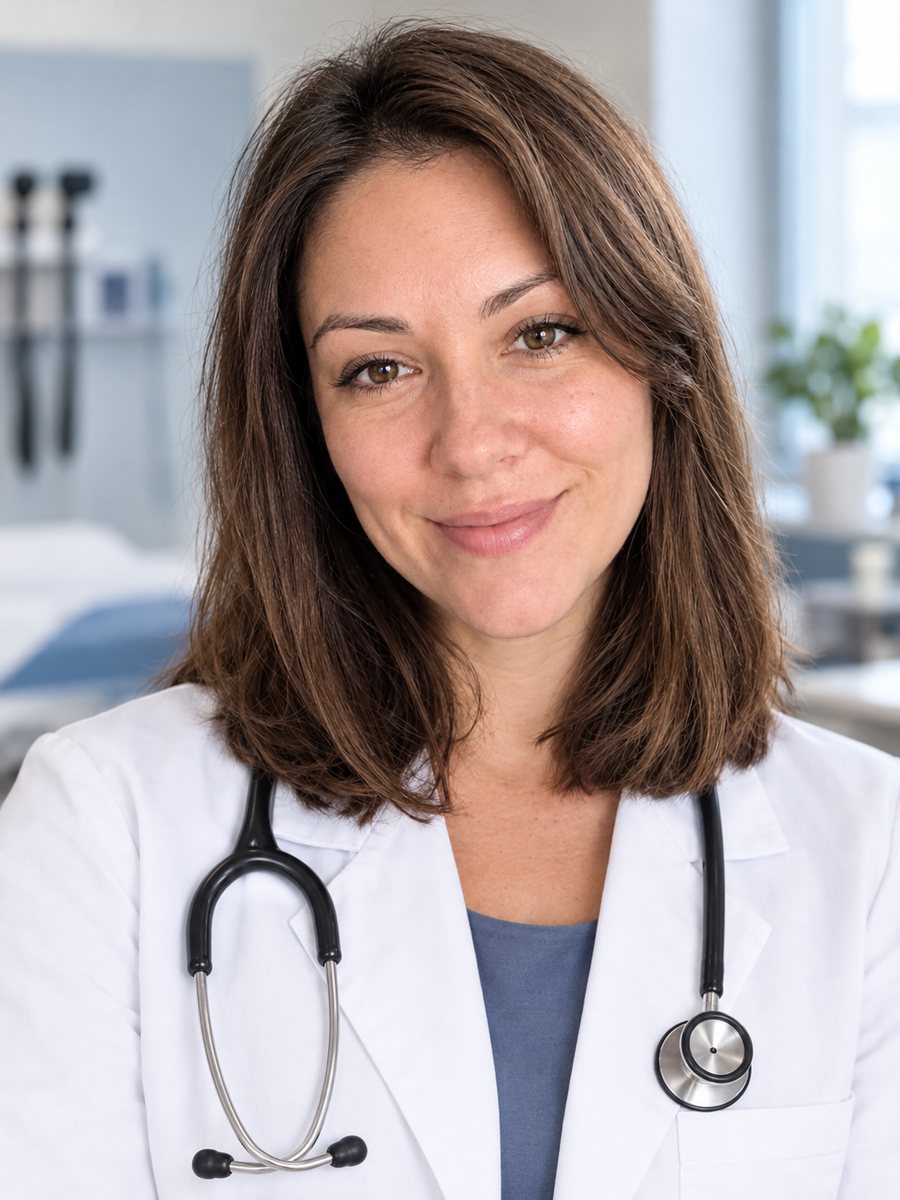 Create a doctor headshot from a regular photoTurn a photo into a medical headshot with a white coat, stethoscope and a blurred clinic. Copy the ready...
- A pharmacist headshot that people trust at the counterMake a clean pharmacist headshot for a pharmacy site or LinkedIn from a phone photo, in a white coat....
- A park ranger headshot with a trail disappearing behind youMake a calm park ranger headshot with a campaign hat, a pine trail and soft forest light for visitor...
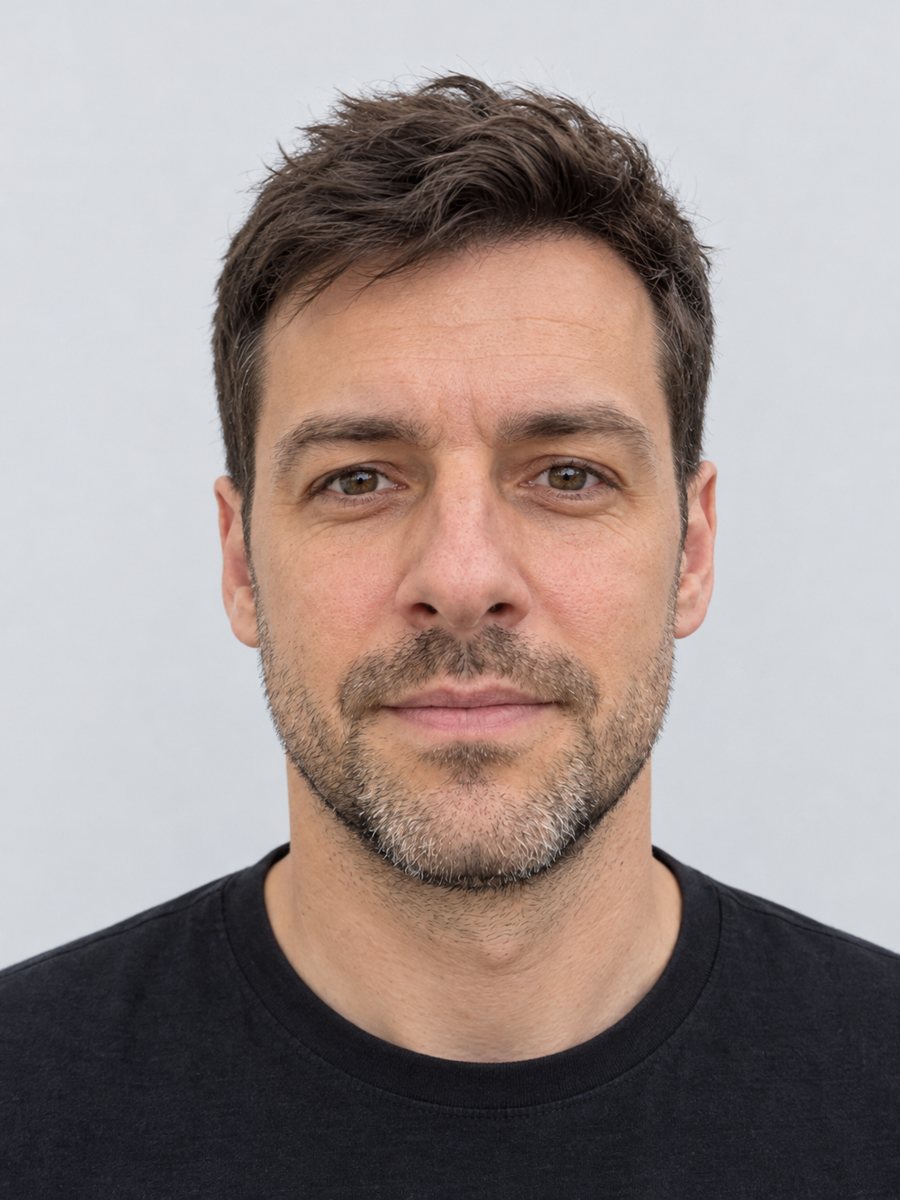 Make a clean ID-style portrait preview from a selfieMake a clean ID-style portrait preview from a selfie: gray backdrop, even light, neutral face. A style...
- A pastel chalk portrait from your photoTurn a portrait into a soft pastel chalk drawing on toned paper, with smudged edges and warm skin....