A Medium writer photo that invites a long read
Readers decide in a second whether a writer feels worth an eight-minute read. Send a selfie, describe your writing spot, and the bot paints a relaxed portrait with a notebook and a coffee cup blurred behind.
- 2 credits per image
- Result in 1–2 minutes
- No sign-up
In short: Make a Medium writer photo with a thoughtful look, a notebook on a desk and soft cafe light for your bio, newsletter and publication pages. 7 images free.
- Where: the VisuMate bot in Telegram, no app or sign-up.
- Cost: 2 credits per image, 7 images free, then packs from 129 Telegram Stars.
- Time: 1 to 2 minutes per image, rerun with a new instruction at the same price.
- Credits never expire, there is no subscription and no auto-renew. You pay once for a pack inside Telegram with Stars.
When you need this
- Your Medium profile shows the default silhouette.
- A publication editor asks for contributor photos.
- Your newsletter signature needs a face.
How to do it
- 1
Press the button to open @visumate_ai_bot in Telegram. No sign-up, and new users get 15 free credits, which is 7 images.
- 2
Send a front-facing photo as a file. In the caption write: 'plain crew-neck sweater, small cafe table with an open notebook and a ceramic cup blurred behind, pen resting in one hand, thoughtful friendly look toward the camera, soft window light'.
- 3
In 1-2 minutes the portrait arrives for 2 credits. Check the pen and the notebook page, where lines can scribble into fake text.
Try it on your own photo: 7 images are free, no sign-up.
Make it in TelegramThinking face
A writer's photo works when it looks like you just paused mid-sentence. Slightly raised eyebrows, a soft smile and a pen in hand are enough. Pages with scribbles look odd when zoomed, so ask for a blank page. If the cafe looks like a catalog, rerun with 'ordinary table, a crumb plate, rain on the window'. Tell the bot about your glasses and beard to keep the likeness.
Bio, newsletter, publications
Use the portrait on your profile, your email signature and your contributor page. Topics, past publications and any credentials belong in text. Medium readers follow people over time, so keep the same face for a year or two and only refresh when you change a lot. Illustrations for your articles should come from your own tools or licensed images, with credit where it is due.
Tips
- Name the writing topic for the mood.
- Keep the notebook blank.
- Ask for soft cafe light.
- Order a square crop.
Questions and answers
Can it make article images?
The bot makes portraits and art styles. Use stock or your own for article art.
Does it suit Substack?
Yes. See the Substack author photo page.
What does it cost?
2 credits per image. New users get 15 free credits, so 7 images cost nothing. After that packs start at 129 Telegram Stars, about $2.6 and credits do not expire.
Does the bot work in English?
Yes. It picks up your Telegram language on first launch. You can switch it any time with /lang.
What the bot does not do
- Works from one photo. Likeness depends on the photo you send, and some styles change features more than others.
- Does not make video or animation.
- Does not output a transparent PNG.
- Does not retouch passport or ID photos.
More in "Photo styles"
- An author photo for a newsletter people actually openCreate a thoughtful newsletter author photo with a reading chair and window light for your Substack about...
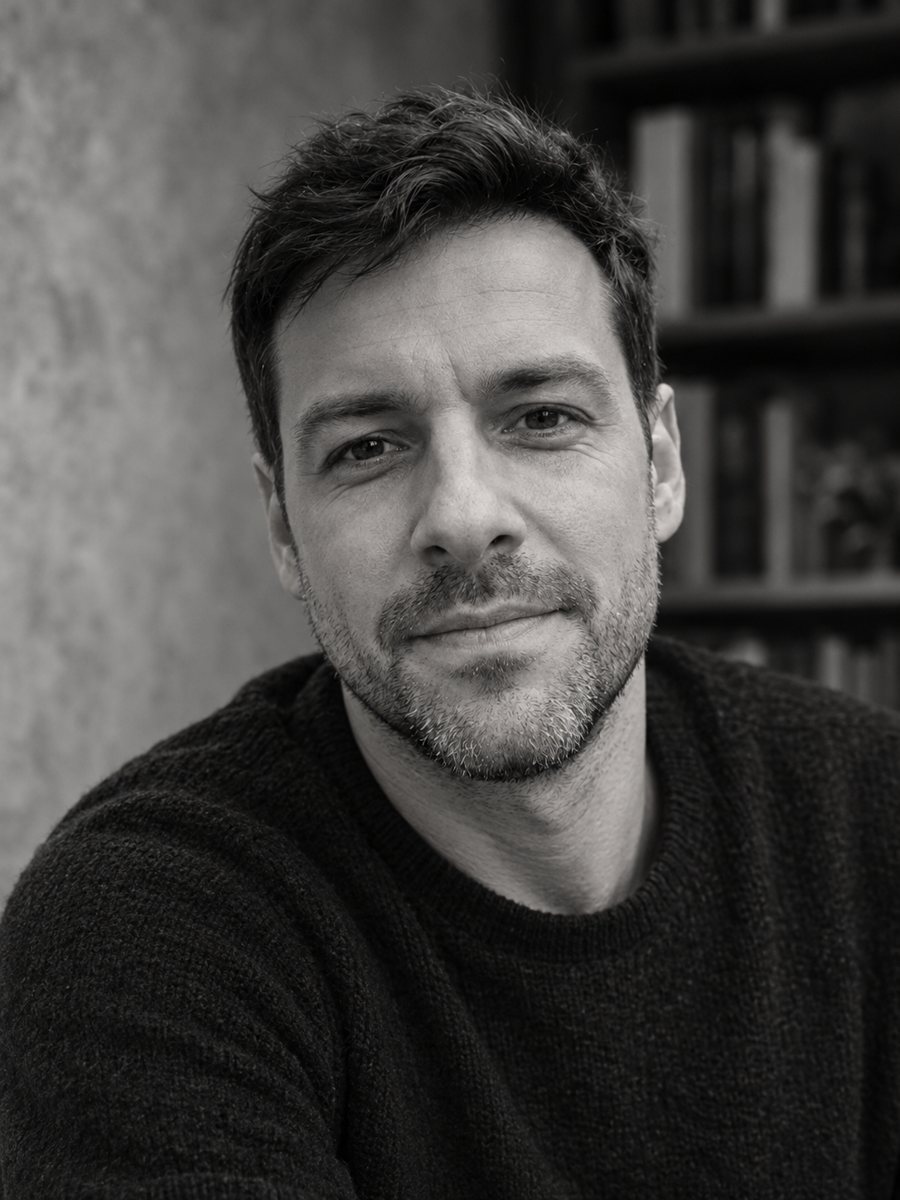 Create an author headshot for your bookTurn a photo into a black and white author headshot for a book jacket with soft directional light. Copy...
- A copywriter headshot with a notebook and a good line readyMake a witty copywriter headshot with a cozy desk, a notebook and a mug for your portfolio site, pitch...
- A journalist headshot with a notebook and a good questionCreate a credible journalist headshot with a newsroom backdrop, a notebook and an attentive look for...