Small business product photography
A small shop rarely has a studio. Shoot on a phone near a window and let the bot handle the background, the light and the scene.
- 2 credits per image
- Result in 1–2 minutes
- No sign-up
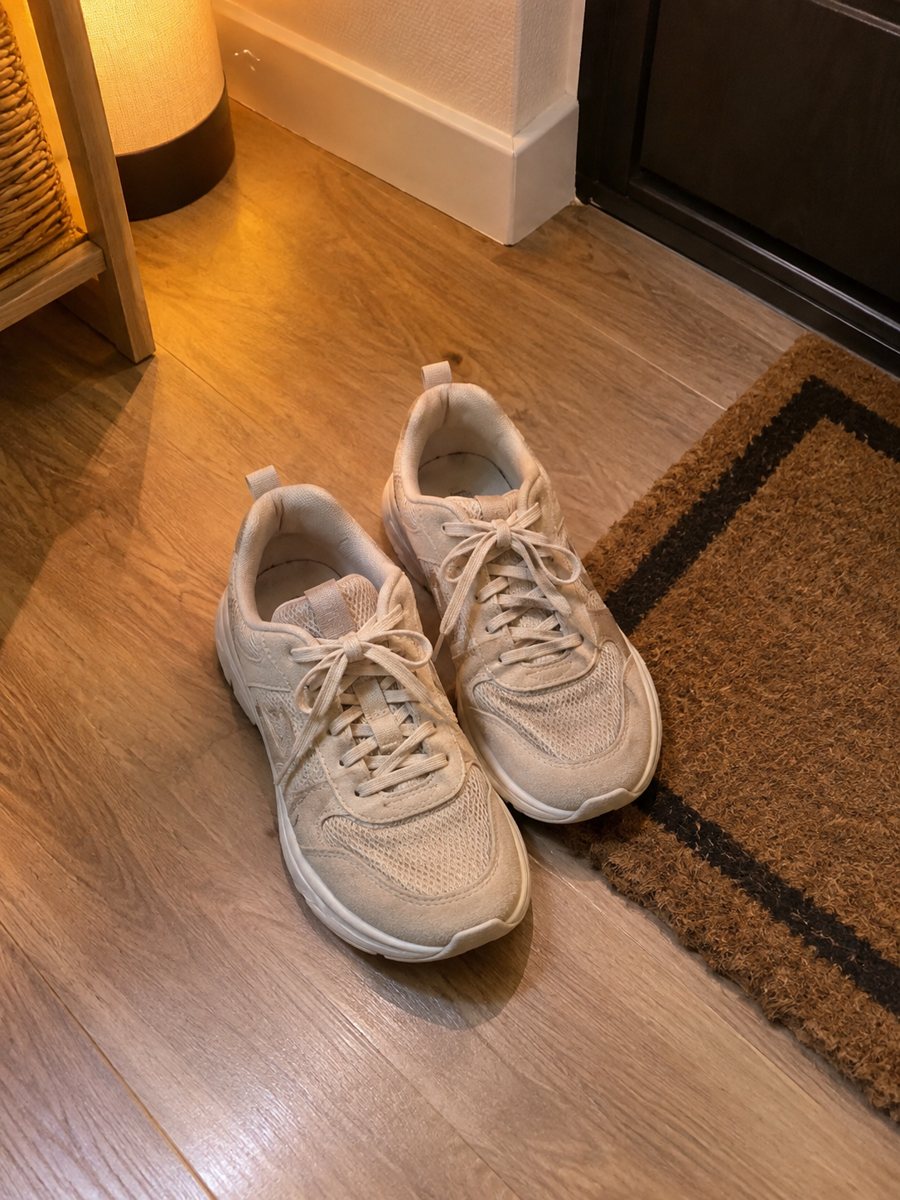
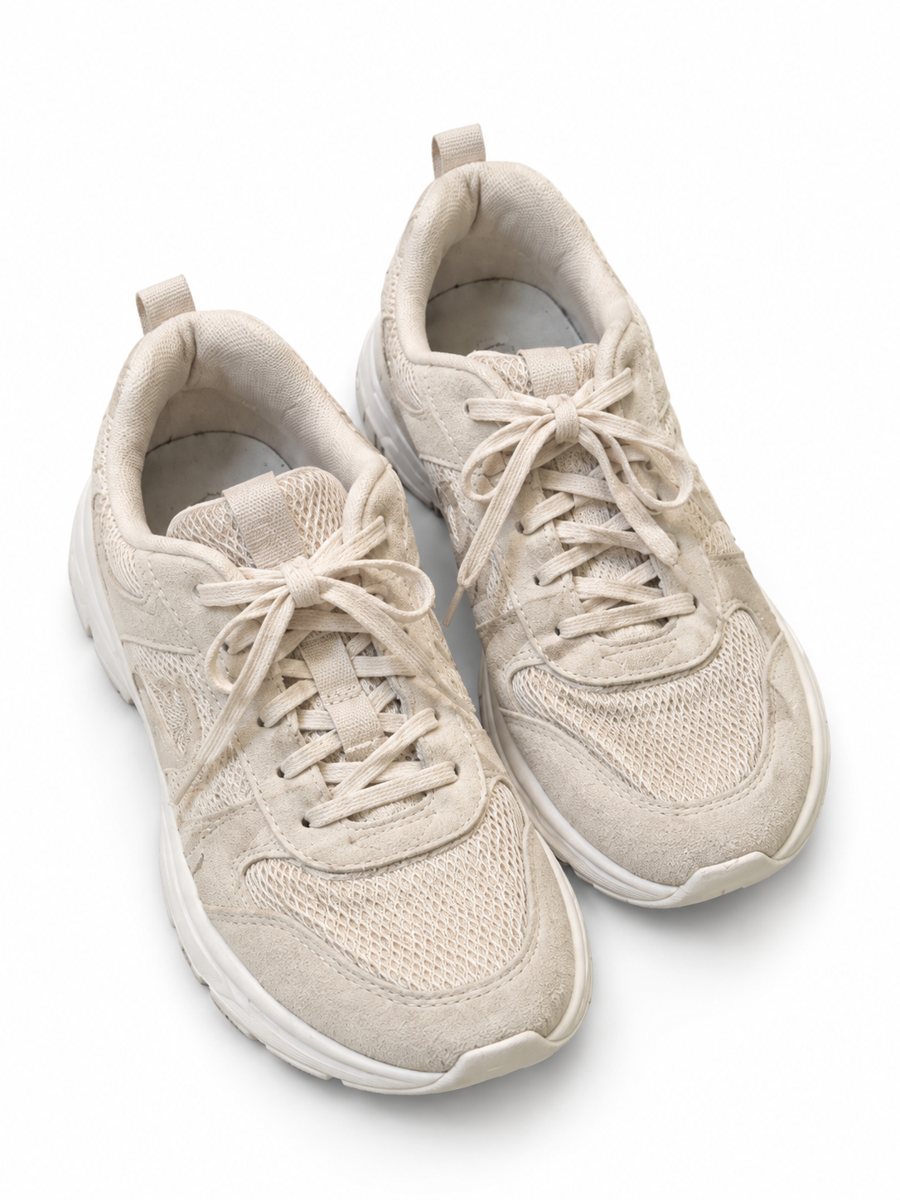 BeforeAfter
In short: Small business product photography with a phone and AI help: clean backgrounds, studio looks and scenes without a photographer or studio. 7 images free.
- Where: the VisuMate bot in Telegram, no app or sign-up.
- Cost: 2 credits per image, 7 images free, then packs from 49 Telegram Stars.
- Time: 1 to 2 minutes per image, rerun with a new instruction at the same price.
When you need this
- A photographer costs more than your first sales.
- Your pictures vary from day to day.
- You do not have time to edit.
How to do it
- 1
Open @visumate_ai_bot with the button on this page and press Start. The link opens the product photo menu.
- 2
Pick the mode that fits and send the photo of the product as a file (document). In the caption write: "product on a clean white background".
- 3
In 1–2 minutes the vertical 3:4 image arrives in the chat. Check the details of the product, then download it or run again.
Try it on your own photo: 7 images are free, no sign-up.
Make it in TelegramA simple home setup
A table, a sheet of white paper and a window are enough. Place the product, shoot from the front and a slight angle and send the best frame as a file. The bot then cleans the background or builds a scene around the product. If a result is close but not right, rerun with a clearer caption for another 2 credits.
A small gallery that works
For each product, aim for four pictures: a white background image, a studio or lifestyle shot, an infographic with facts and one real close-up of the details. That covers most questions a buyer has, using a few minutes per product. Each run takes 1 to 2 minutes, so you can send the next product while you wait. A real close-up of the material or the label is still worth adding as a later picture.
Tips
- Shoot near a window in daylight.
- Hold the phone steady and keep the product centered.
- Take a few angles of each product.
- Send the photo as a file.
Questions and answers
Do I need special equipment?
No. A phone and daylight are enough.
How many pictures per product?
Four is a good aim. You decide.
Do I need to register anywhere?
No sign-up. Open Telegram, press Start and send a photo. It works on a phone and on a desktop.
How long does one image take?
Usually 1–2 minutes. The result arrives in the chat, and you can download it or run the photo again.
More in "Product photos"
- Product photo bot pricingProduct photo bot pricing explained: 15 free credits, 2 credits per image and three packs paid with Stars....
- Marketplace listing photo checklistMarketplace listing photo checklist: the pictures a gallery needs and what to check on each result. Make...
- Dropshipping product photosDropshipping product photos: turn supplier pictures or samples into clean images with a white, studio or...
- Handmade soap product photosHandmade soap product photos with a studio look: send a phone picture of bars or a wrapped soap and get a...