Book launch story
Describe the genre, the mood and the title, and the bot draws a vertical story for your launch day, preorders and reading excerpts.
- 2 credits per image
- Result in 1–2 minutes
- No sign-up
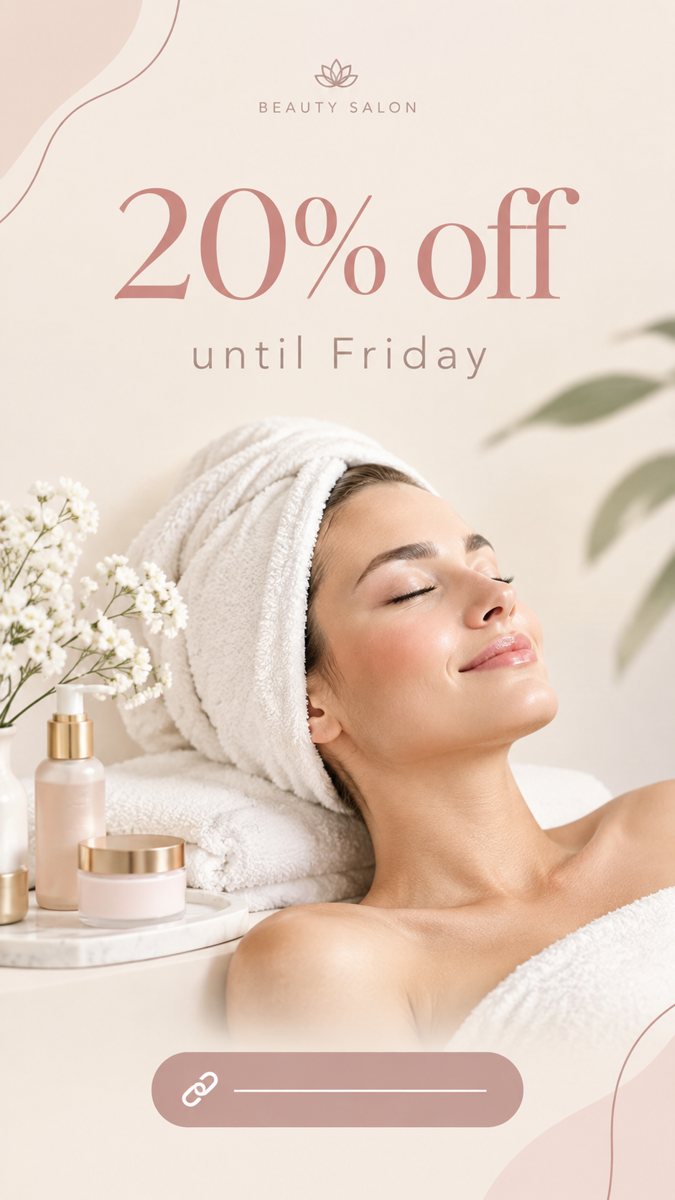 Made by the bot
In short: Make a book launch story from a short brief in Telegram. Vertical 9:16 image with the title and a mood scene, 2 credits each, 15 free credits to start.
- Where: the VisuMate bot in Telegram, no app or sign-up.
- Cost: 2 credits per image, 7 images free, then packs from 49 Telegram Stars.
- Time: 1 to 2 minutes per image, rerun with a new instruction at the same price.
When you need this
- The cover is not ready but the launch date is.
- Your stories show a flat cover photo.
- You want teaser images for each chapter or theme.
How to do it
- 1
Open the bot with the link on this page and press Start. You get the 9:16 story mode.
- 2
Describe it: a mystery novel launch, a rainy window with a lit desk lamp and an open notebook, moody blue and amber, text 'Out Friday'.
- 3
In 1–2 minutes the 9:16 story arrives in the chat for 2 credits. Proofread the text on it, then download it or run again.
Try it on your own photo: 7 images are free, no sign-up.
Make it in TelegramMood teasers
A few days before launch, post mood images that hint at the genre. A foggy harbor for a thriller, a kitchen table for a family story, a starry sky for fantasy. Keep a repeatable style and a short line. When the book is out, post the real cover with the purchase link. Genre cues like lantern light, maps or sea fog help the mood, and each can be named in one phrase.
What not to promise
Do not print reviews or quotes that you do not have. Avoid claims such as bestseller unless true. Dates and prices belong in text stickers. If you generate a character, remember that the AI draws a different face each run, so it may not match the book's character. Excerpt teasers can be added as a text sticker over a plain scene.
Tips
- Show the mood of the book, not the cover.
- Keep the title short on the image.
- Put preorder links in a sticker.
- Use your real cover photo in another slide.
Questions and answers
Can it make the book cover?
Use image mode for concept art, but check typography.
Can I use real reviews?
With permission, in text.
Ratio?
9:16.
Cost?
2 credits.
More in "Banners and stories"
- Instagram story from a text promptMake an Instagram story image from a text description in Telegram. Vertical 9:16, short text on the image,...
- TikTok cover image makerCreate a TikTok video cover image from a text prompt in Telegram. Vertical 9:16 with big short text, 2...
- Quote story for InstagramMake a quote story image from a text prompt in Telegram. Vertical 9:16 with a short quote, 2 credits each,...
- Lawn care post imageMake lawn care post images from a short brief in Telegram. Seasonal square 1:1 visuals with a few words, 2...
- Testimonial post imageMake a testimonial post image from a short brief in Telegram. Clean square 1:1 backgrounds for customer...