Boutique new arrivals story
Describe the season, the palette and a few words, and the bot draws a vertical mood image for your new arrivals story. Pair it with real photos of the pieces.
- 2 credits per image
- Result in 1–2 minutes
- No sign-up
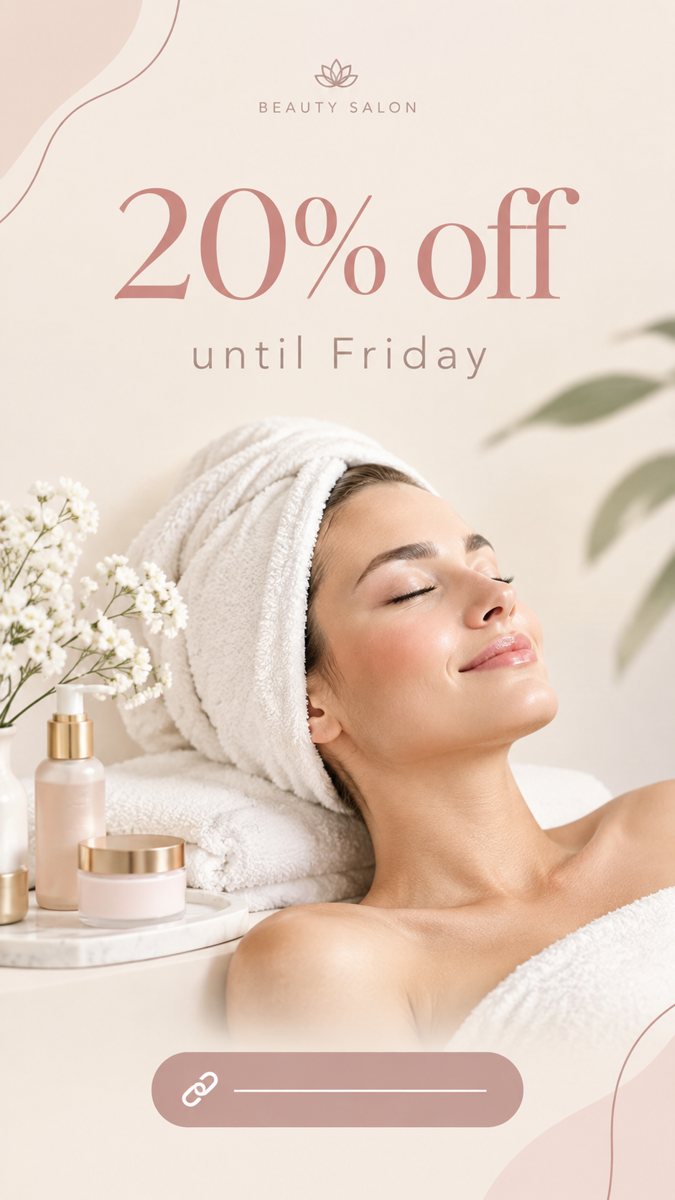 Made by the bot
In short: Make boutique new arrivals stories from a short description in Telegram. Vertical 9:16 mood images with short text, 2 credits each, 15 free credits.
- Where: the VisuMate bot in Telegram, no app or sign-up.
- Cost: 2 credits per image, 7 images free, then packs from 49 Telegram Stars.
- Time: 1 to 2 minutes per image, rerun with a new instruction at the same price.
When you need this
- New stock arrives weekly and flat-lay photos take an afternoon.
- Your story backgrounds are all plain colors.
- You want a mood that matches the season before the clothes are photographed.
How to do it
- 1
Open the bot with the link on this page and press Start. You get the 9:16 story mode.
- 2
Describe it: a boutique story, a rail of linen dresses in sand and olive tones near a sunlit window, text 'New This Week'.
- 3
Wait 1–2 minutes for the vertical image. Read the text carefully, then download it or run again with a tweak.
Try it on your own photo: 7 images are free, no sign-up.
Make it in TelegramMood slide plus real photos
A story with several slides works best when the first slide sets the mood and the next ones show real items. Generate the mood slide with your seasonal colors, then add real photos of dresses, bags or shoes. The mood slide makes the series look planned. Be careful with prompts that draw clothes: the AI invents details, and customers may expect to find that piece in store.
Seasonal themes
Build a calendar: spring linen, summer prints, autumn knits, winter velvet. For each season write a one-line style sentence and reuse it. Name the palette and one prop, such as a rattan chair or a wool throw. Keep the headline short: 'New This Week', 'Back in Stock'. Put sizes and prices in the caption or a sticker, where they can be corrected quickly.
Tips
- Use the generated scene as the first slide and real product photos as the next ones.
- Do not claim that generated clothes are your inventory.
- Name colors that match the real collection.
- Keep the title to three words.
Questions and answers
Can it show a specific dress from my shop?
Not exactly. Attach a photo as a reference and the result is approximate.
What about size and price?
Add them as text, not in the image.
Is there a post version?
Yes, in post mode for 1:1 images.
Cost?
2 credits per story, 15 free credits for new users.
More in "Banners and stories"
- Valentine's Day storyMake a Valentine's Day story image for your shop from a text brief in Telegram. Vertical 9:16, short text,...
- Mother's Day storyMake a Mother's Day story image from a short brief in Telegram. Vertical 9:16 with a warm tone and short...
- Florist story ideasMake florist Instagram stories from a short description in Telegram. Vertical 9:16 images for bouquets and...
- Event announcement storyMake an event announcement story from a short brief in Telegram. Vertical 9:16 image with the event name,...
- Daycare enrollment post imageMake a daycare enrollment post image from a short brief in Telegram. Warm square 1:1 visual with a short...