Toy infographic listing images
Toy buyers want to know what is in the box and what it is made of. Send a close photo, list the facts in the caption and the bot puts them on badges.
- 2 credits per image
- Result in 1–2 minutes
- No sign-up
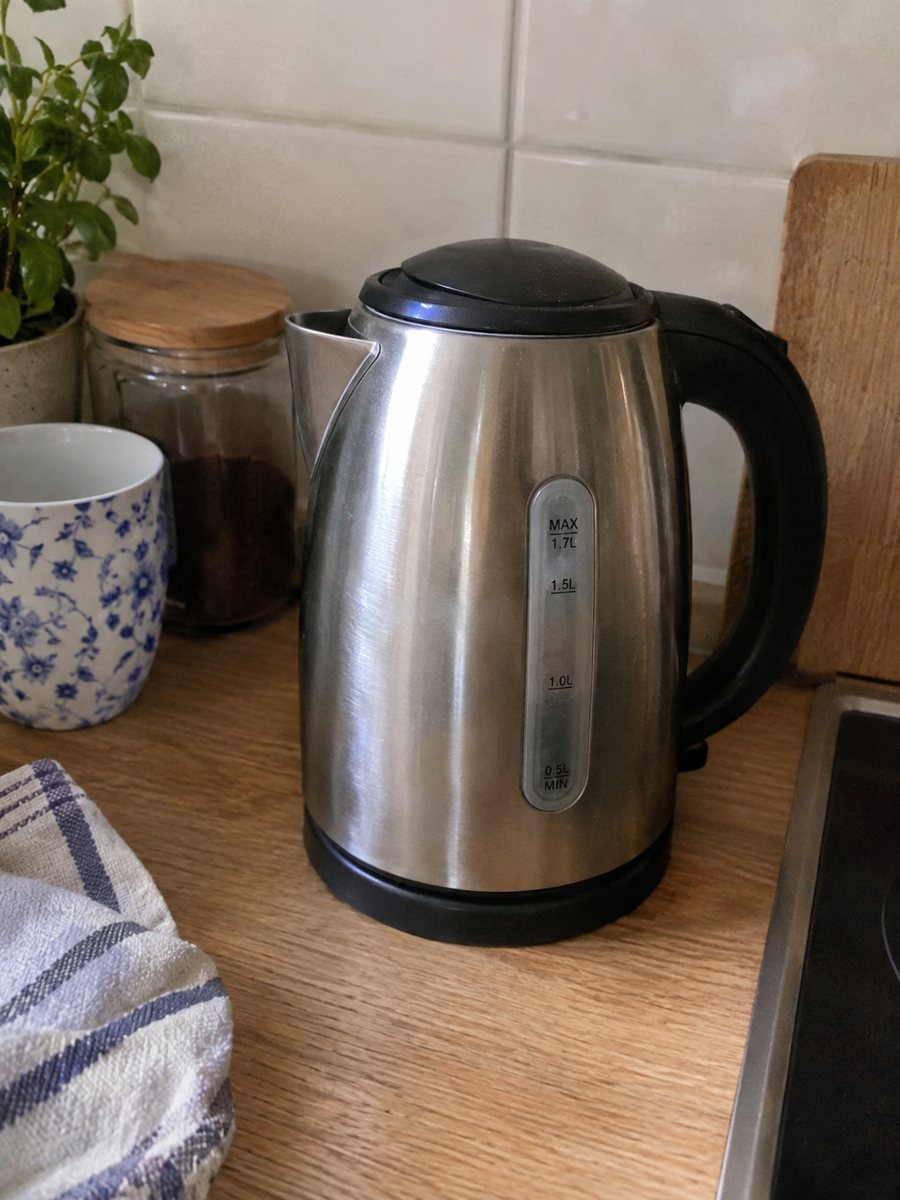
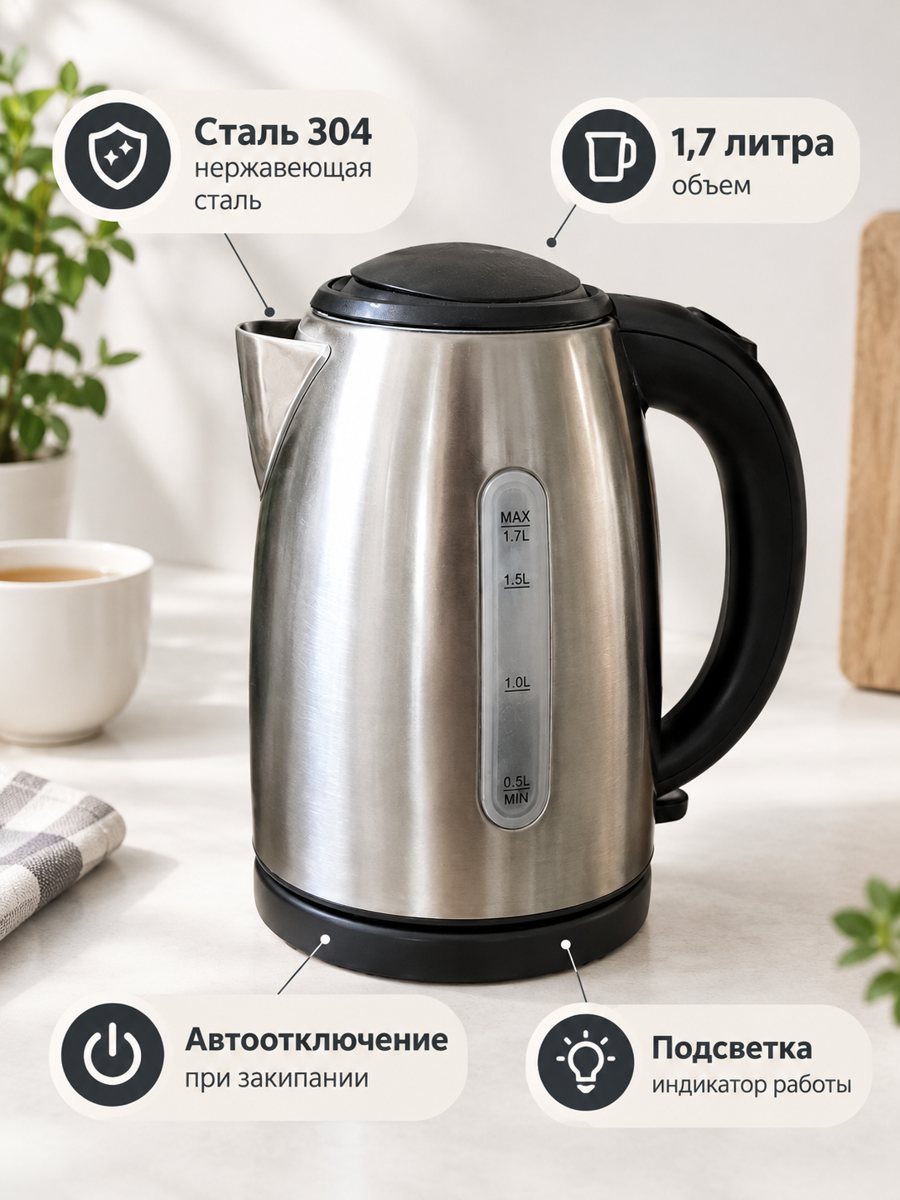 BeforeAfter
In short: Toy infographic listing images: a close-up of a toy with 3 or 4 badges from your caption, like material or pieces. Vertical 3:4 image. 7 images free.
- Where: the VisuMate bot in Telegram, no app or sign-up.
- Cost: 2 credits per image, 7 images free, then packs from 49 Telegram Stars.
- Time: 1 to 2 minutes per image, rerun with a new instruction at the same price.
When you need this
- Parents cannot tell what comes in the set.
- Material questions come up in messages.
- A colorful toy photo does not explain features.
How to do it
- 1
Open @visumate_ai_bot with the button on this page and press Start. The link opens the infographic mode.
- 2
Send a close photo of the toy as a file (document). In the caption list the benefits, separated by commas: "120 pieces, Wooden blocks, Washable fabric bag".
- 3
In 1–2 minutes the vertical 3:4 image arrives in the chat. Read every badge letter by letter, then download it or run again.
Try it on your own photo: 7 images are free, no sign-up.
Make it in TelegramWhat parents look for
Piece count, materials and cleaning are the usual questions. Short badges answer them fast. Safety information and age grading follow strict rules in each country, so put those in the listing text as required and not in a casual picture. Only list facts you can confirm, since marketplaces can remove misleading listings. The image comes back as a vertical 3:4 picture, so check how your listing crops it.
Keeping the picture honest
The close-up must show the real toy. Count what appears in the picture against what is in the box. If the AI drops or adds pieces, rerun. A mismatch between the picture and the box is a common reason for bad reviews. Each run takes 1 to 2 minutes, so you can prepare a whole set in one sitting. Send a close, sharp photo as a file so Telegram keeps the full detail of your product.
Tips
- Use facts: 120 pieces, Wooden blocks, Washable fabric.
- Do not add safety certifications unless you hold them.
- Keep text short and big.
- Check the piece count in the picture.
Questions and answers
Can I add an age range?
Only if you are sure about the correct age grading. Put official safety information in the listing text.
Can it show all pieces?
Send an album of up to 5 photos to be merged. Count the pieces after.
What if the result is not right?
It is AI, so sometimes a rerun is needed. A second run costs the same 2 credits, and a clearer caption usually helps.
Does the bot write the listing text?
No. It makes the image only. It does not write listing copy, calculate prices or upload to your seller account.
More in "Product photos"
- Tool infographic imagesTool infographic images: a close-up of a drill, wrench or set with 3 or 4 spec badges from your caption....
- Baby product infographic imagesBaby product infographic images: a close-up of a bottle, blanket or carrier with 3 or 4 fact badges from...
- Pet product infographic imagesPet product infographic images: a close-up of a toy, bed or bowl with 3 or 4 badges from your caption,...
- Etsy product photos on a white backgroundEtsy product photos on a white background: crisp thumbnails for search results, made from a phone picture...