Product photo with a green background
Green fits natural, wellness and garden brands. Send a phone photo, name the tone, and the bot returns a vertical 3:4 studio shot on green with soft light.
- 2 credits per image
- Result in 1–2 minutes
- No sign-up
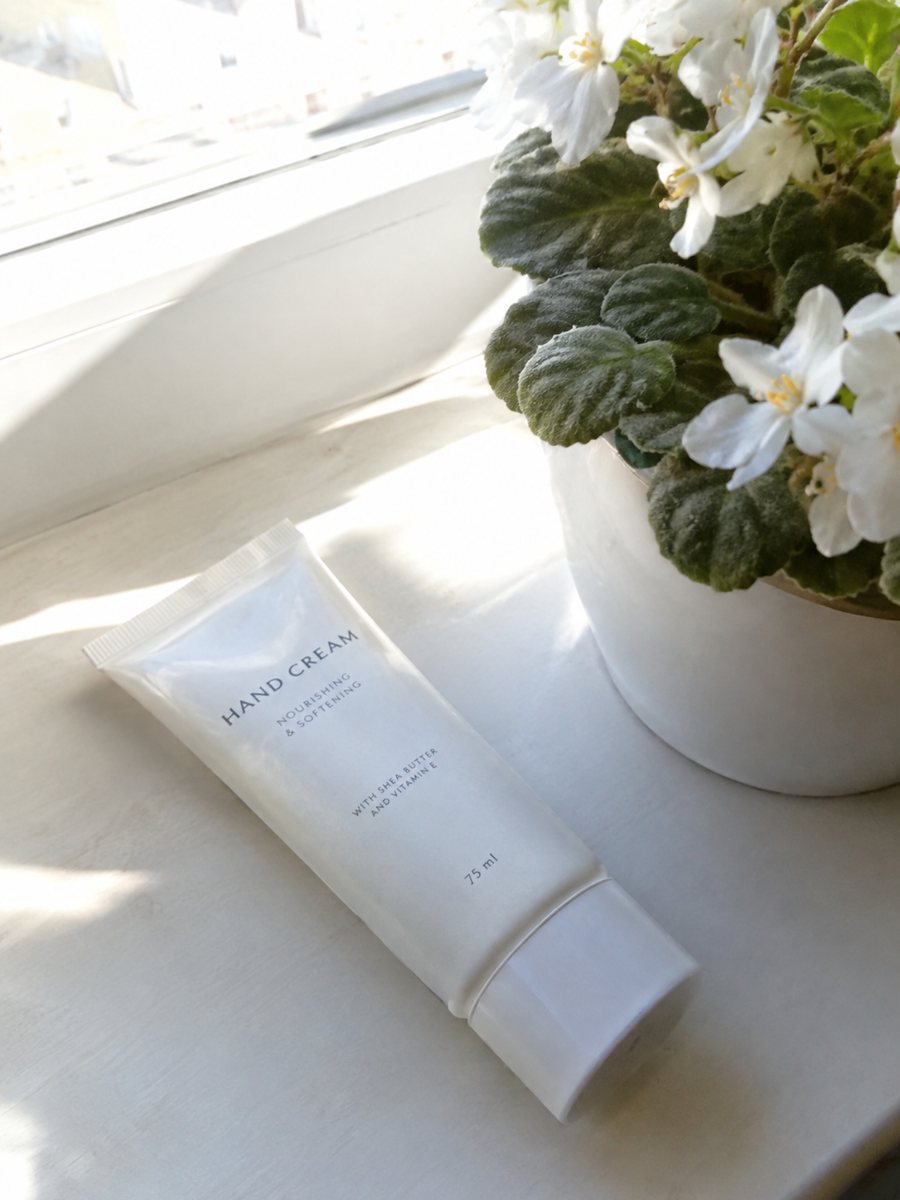
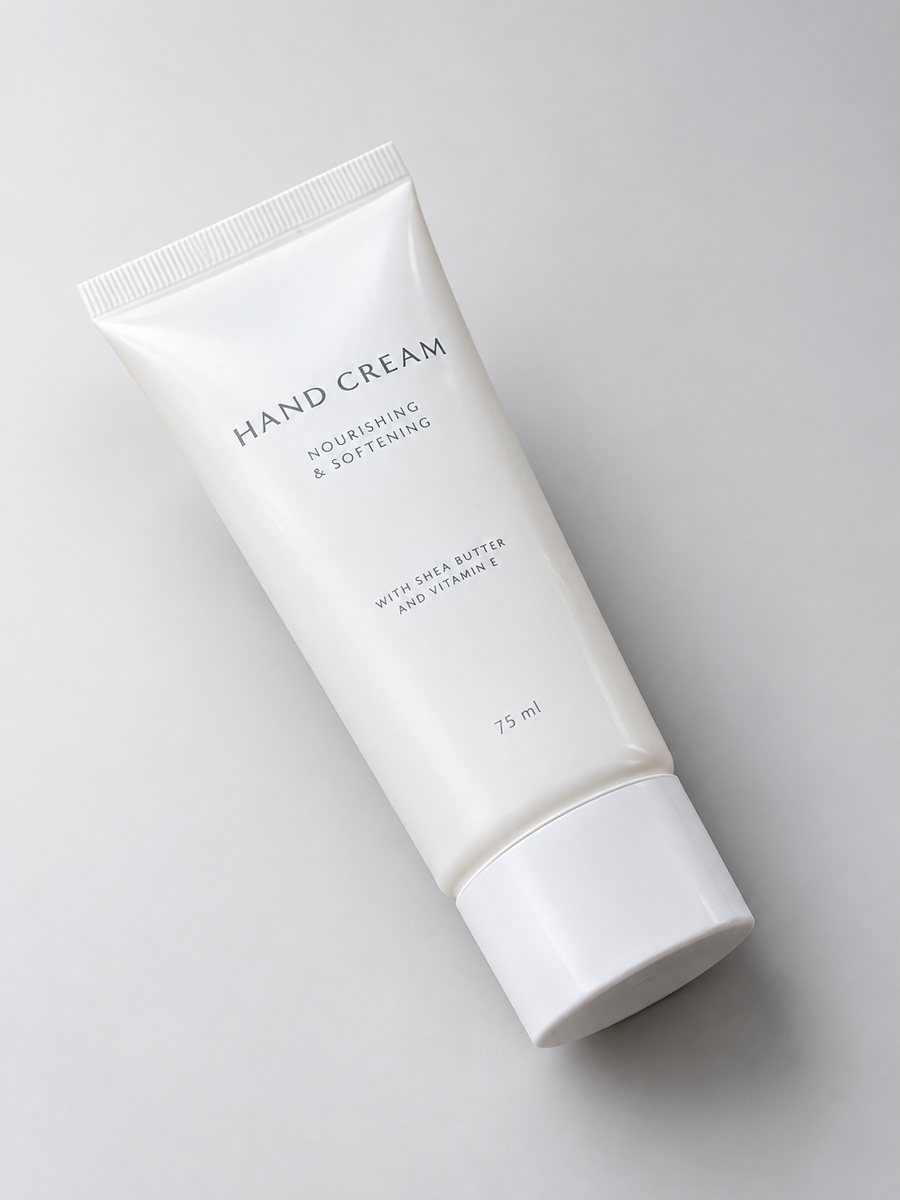 BeforeAfter
In short: Product photo with a green background from a phone picture: sage, mint or forest caption, products that suit it and when green clashes. 7 images free.
- Where: the VisuMate bot in Telegram, no app or sign-up.
- Cost: 2 credits per image, 7 images free, then packs from 49 Telegram Stars.
- Time: 1 to 2 minutes per image, rerun with a new instruction at the same price.
- Credits never expire, there is no subscription and no auto-renew. You pay once for a pack inside Telegram with Stars.
When you need this
- Your eco brand looks too clinical on white.
- A neutral backdrop makes your herbal product look ordinary.
- You need a seasonal spring look quickly.
How to do it
- 1
Open the bot with the button here and press Start.
- 2
Send the photo as a file. Caption: "sage green background, studio light".
- 3
Download after 1 to 2 minutes. Ask for "forest green" or "mint" in a second run.
Try it on your own photo: 7 images are free, no sign-up.
Make it in TelegramProducts that suit green
Tea, herbs, herbal supplements, plant-based skincare, candles, ceramics and garden tools sit well on green. Sage and mint feel light, forest feels premium. The bot keeps the product, so label design should stay, but check small print against your original photo. Dark green with gold lettering also reads as a premium look for bottles and boxes. Bright mint suits spring goods.
When green hurts
Green packaging blends into a green backdrop, and green light can make skin tones in cosmetics look off. Red and pink products clash with some greens. Use a neutral backdrop for those. Marketplace main images usually require pure white, so use green shots as secondary images, in social posts and on your own site. Read the current rules of the marketplace before changing anything.
Tips
- Sage is calm, mint is fresh, forest is rich.
- Warm products such as wood, terracotta and gold look good on dark green.
- Avoid green for green packaging.
- Keep a white version for marketplace main slots.
Questions and answers
Can I add leaves?
Use the scene option and write "with a few fresh leaves" in the caption. The leaves are drawn by AI.
Will it look natural for food?
Some food reads fine on green. Test one image first.
Can I get a dark moody version?
Write "deep forest green, dim light". See also the dark moody style page.
How can I try it free?
15 free credits give 7 images.
What the bot does not do
- Does not output a transparent PNG. The result is a finished 3:4 image with a background.
- Does not write listing copy, set prices or upload anything to your seller account.
- Does not guarantee exact marketplace pixel sizes: crop or resize the 3:4 image in any editor.
- Text on infographics is drawn by AI and can have letter errors in long phrases. Keep badges short and proofread.
More in "Product photos"
- Dark moody product photo styleDark moody product photo style from one phone picture: dim directional light, deep tones, the caption to...
- Pastel background product photosPastel background product photos from one phone picture: peach, lilac, mint and baby blue captions, best...
- Plant and planter lifestyle photosPlant and planter lifestyle photos: place pots, vases and live plants on windowsills, shelves and patios...
- Beige background product photoBeige background product photo from your phone picture: caption to copy, products that suit warm neutrals,...