See yourself as a humanoid robot
You send a photo and get a humanoid robot version of yourself. Your facial structure and expression are kept, and the body is made of brushed metal and white panels with glowing blue seams and visible joints, in a clean futuristic lab.
- 2 credits per image
- Result in 1–2 minutes
- No sign-up
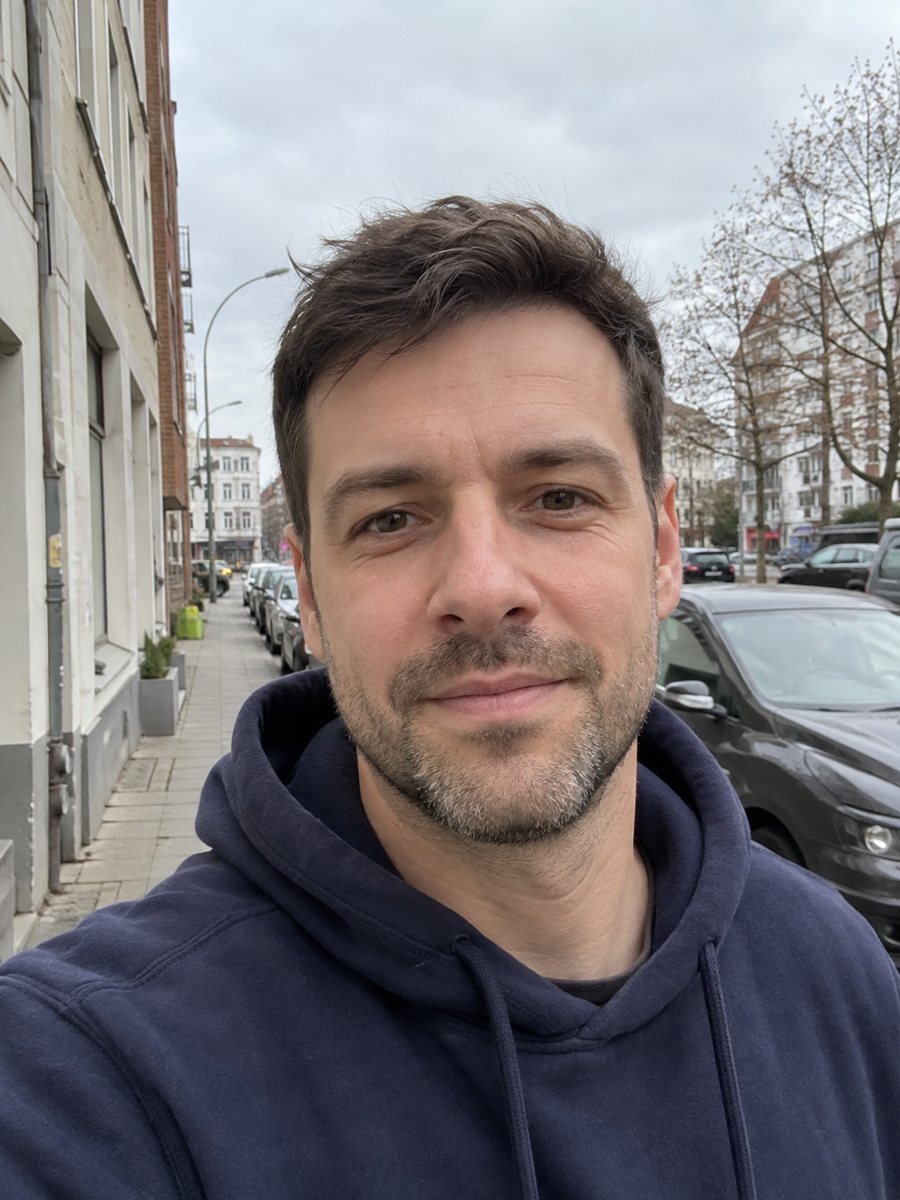
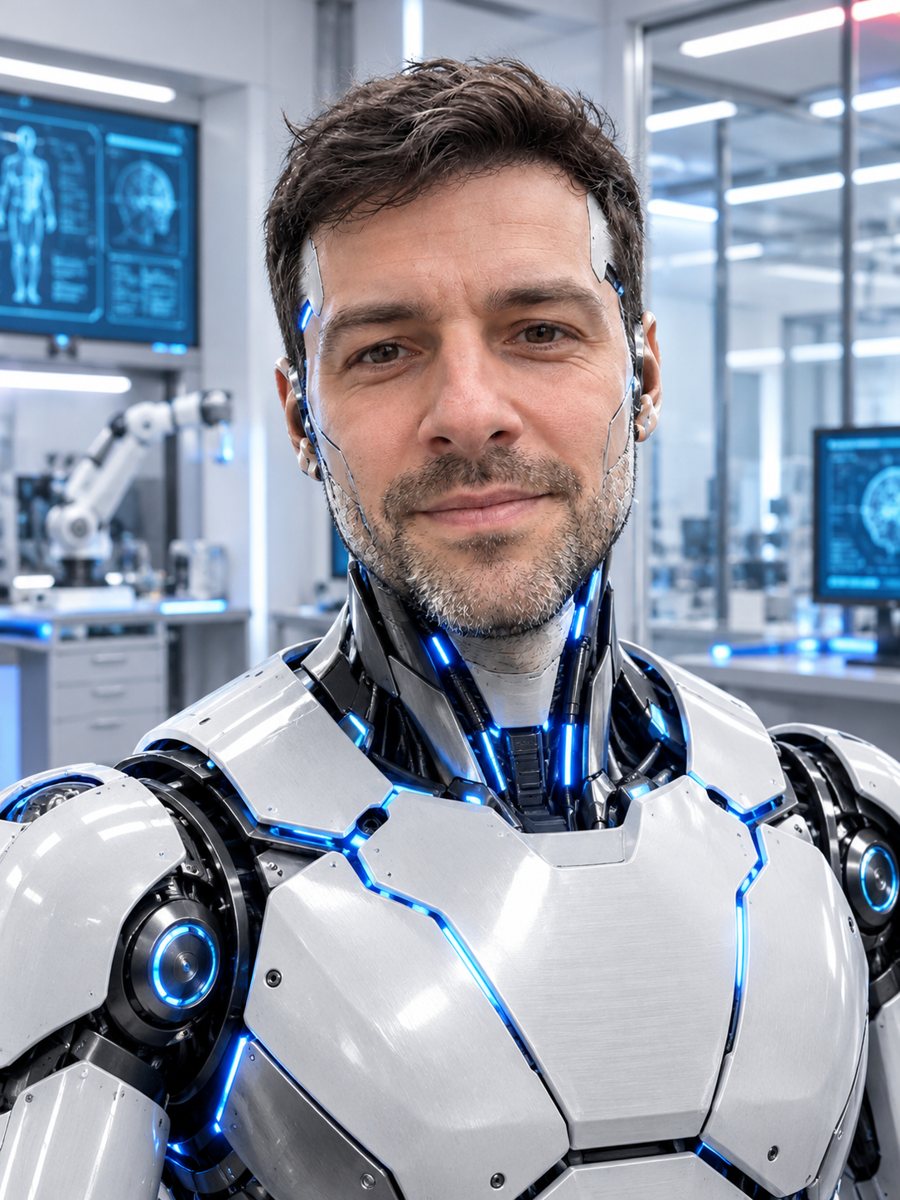 BeforeAfter
In short: Turn your photo into a humanoid robot version of yourself with brushed metal plating and glowing blue seams. Ready prompt, result in 1-2 minutes, 7 images free.
- Where: the VisuMate bot in Telegram, no app or sign-up.
- Cost: 2 credits per image, 7 images free, then packs from 49 Telegram Stars.
- Time: 1 to 2 minutes per image, rerun with a new instruction at the same price.
When you need this
- You want a sci-fi avatar for a tech blog or a podcast.
- A coworker loves robots and you want a funny gift.
- You are building a story world and need a robot character with a real face.
How to do it
- 1
Press the button. The bot opens with the robot style selected.
- 2
Send a clear photo of your face, ideally as a file. In the caption you can ask for a color, for example gold plating.
- 3
In 1-2 minutes you get the portrait for 2 credits. Check the face against the original and rerun if needed.
Try it on your own photo: 7 images are free, no sign-up.
Make it in TelegramThe prompt behind this style
Turn this photo into a humanoid robot version of the person. Keep the facial structure and expression recognizable. Brushed metal and white panel plating, glowing blue seams, visible joints, a clean futuristic lab behind, realistic render. Vertical 3:4, no text.
The robot design
The picture shows a clean, realistic render. Brushed metal and white panel plating cover the head and shoulders, blue light glows in the seams, joints are visible and a futuristic lab blurs behind. Your face shape and expression stay recognizable. The image is vertical 3:4 with no text. People use it for tech avatars, presentation slides and playful team pictures.
Keeping the face
The AI turns the surface into metal, so skin texture is replaced while the structure of the face remains. Eyes, nose and mouth lines carry the likeness, and a sharp front-facing photo helps. If the result looks like a generic robot, rerun. A rerun costs 2 credits. Hair usually becomes plating or a smooth cap, so do not expect your haircut.
Limits
The robot is invented and does not show a real product or brand. The bot does not add serial numbers or labels. Results can differ widely between runs, which gives you options. If you prefer a toy look, a plush or brick figure style fits better. Results arrive in the chat and can be downloaded. Results arrive in the chat, and you can download the image at full size.
Tips
- A neutral expression translates well to a robot face.
- Facial hair and glasses are often kept as metal parts.
- Name a seam color in the caption, such as orange glow.
- Use a photo with space above the head.
- Try a second run for a different lab or pose.
Questions and answers
Will it look like me?
The structure and expression are kept. Surface details become metal.
Can I choose the color?
Write the color in the caption.
Does it work for a group?
It is made for one person.
Is there text on the robot?
No.
What does it cost?
2 credits.
More in "Photo styles"
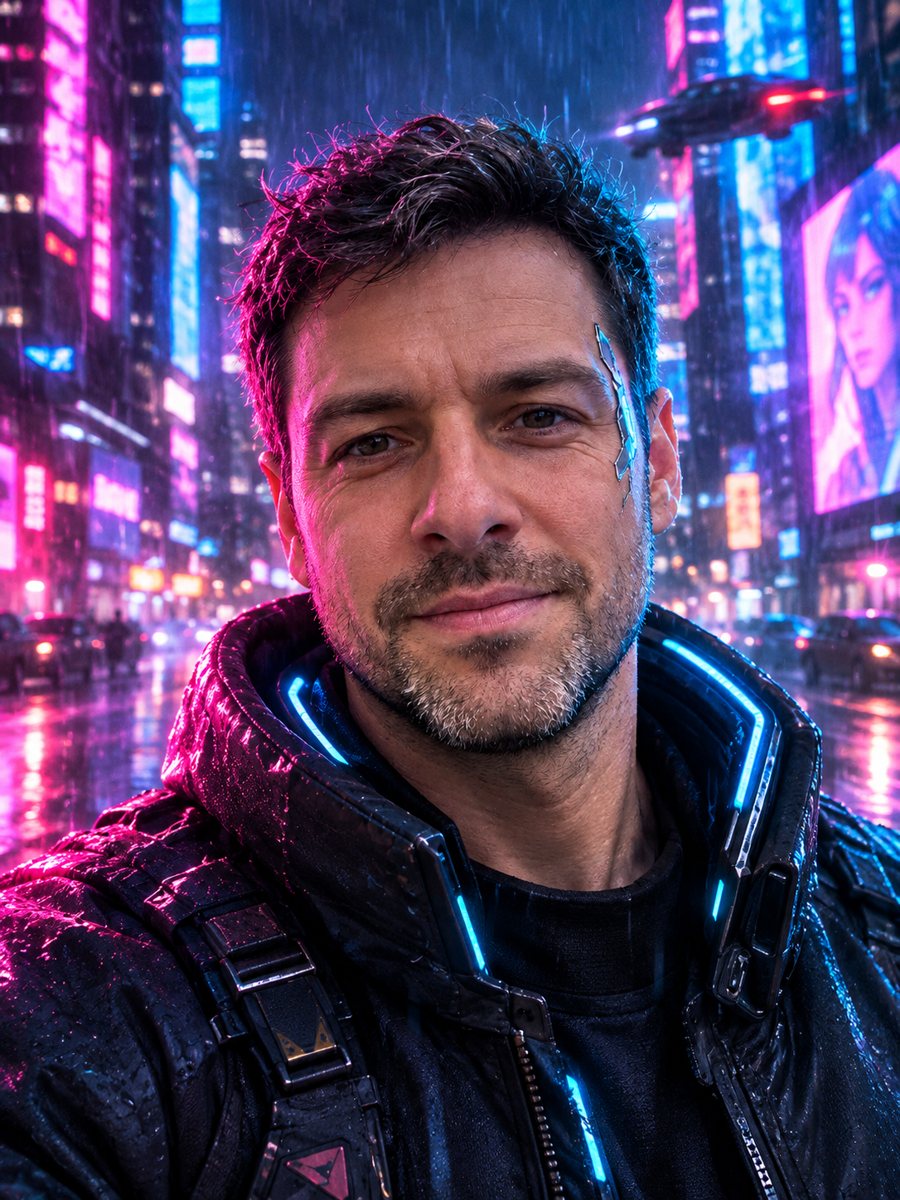 Turn your photo into a cyberpunk portraitTurn a photo into a neon-lit cyberpunk character in a rainy night city. Ready prompt, 2 credits per image,...
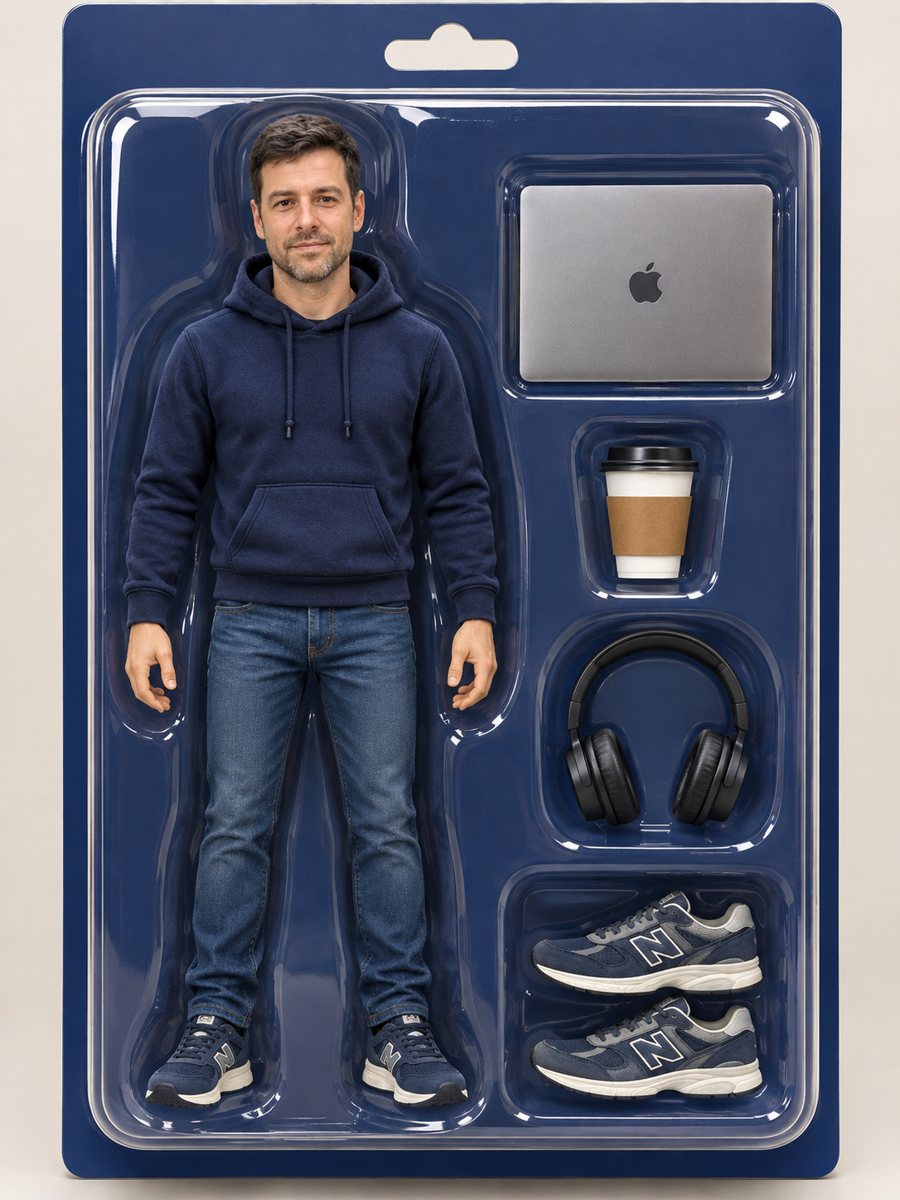 Turn yourself into an action figure in a boxTurn a photo into a collectible action figure in a blister box with accessories. Copy the ready prompt or...
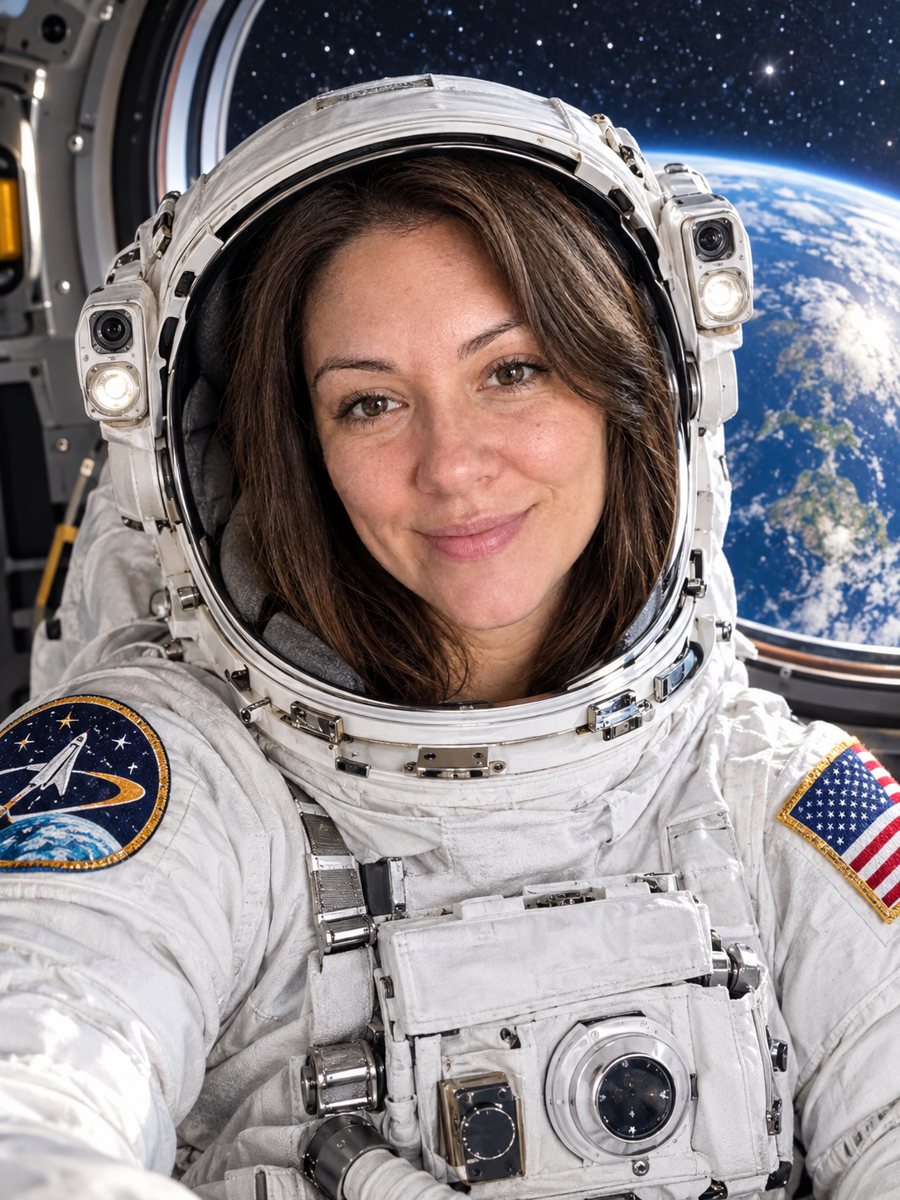 See yourself as an astronautTurn your selfie into an astronaut portrait with an open visor, a white spacesuit and Earth behind you....
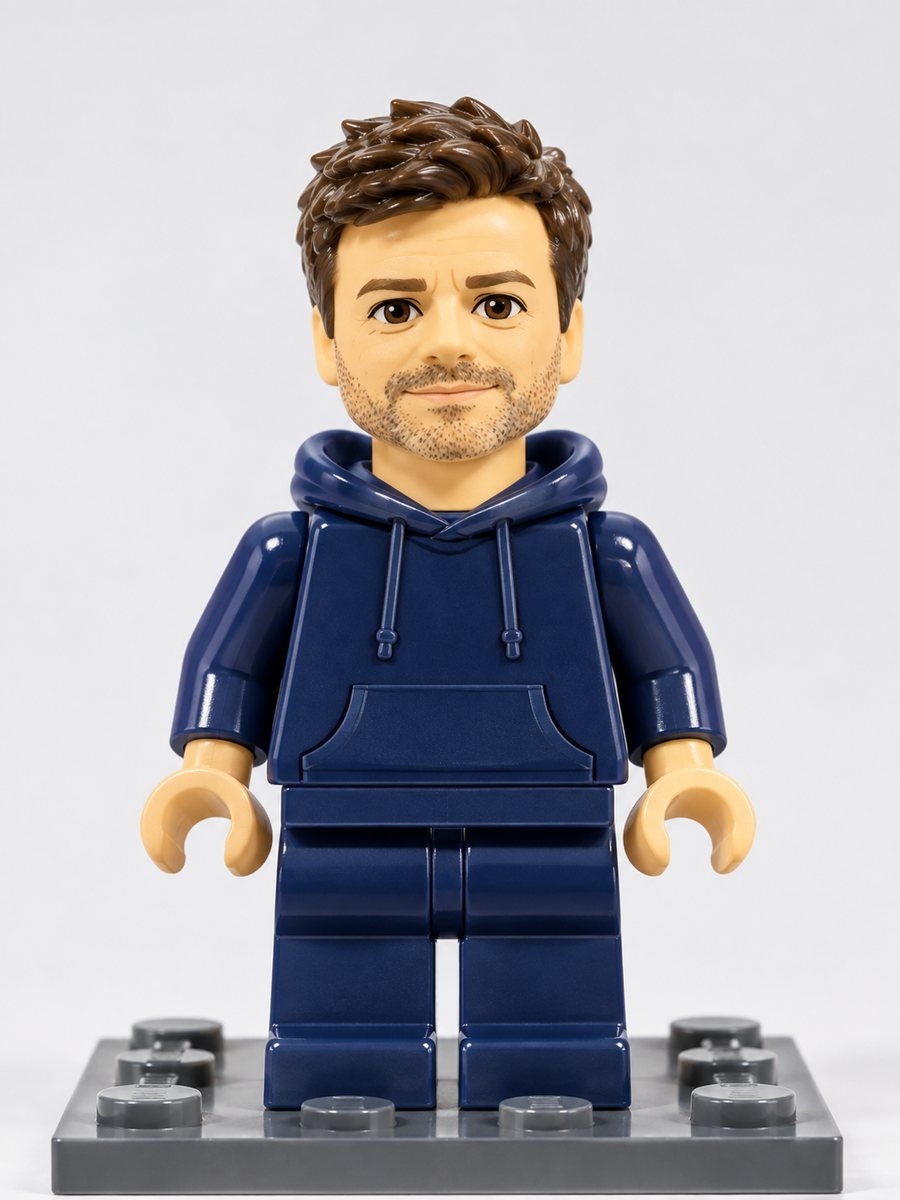 Turn yourself into a plastic brick minifigureTurn a photo into a plastic brick-style minifigure with your hair and outfit colors on a baseplate. Copy...
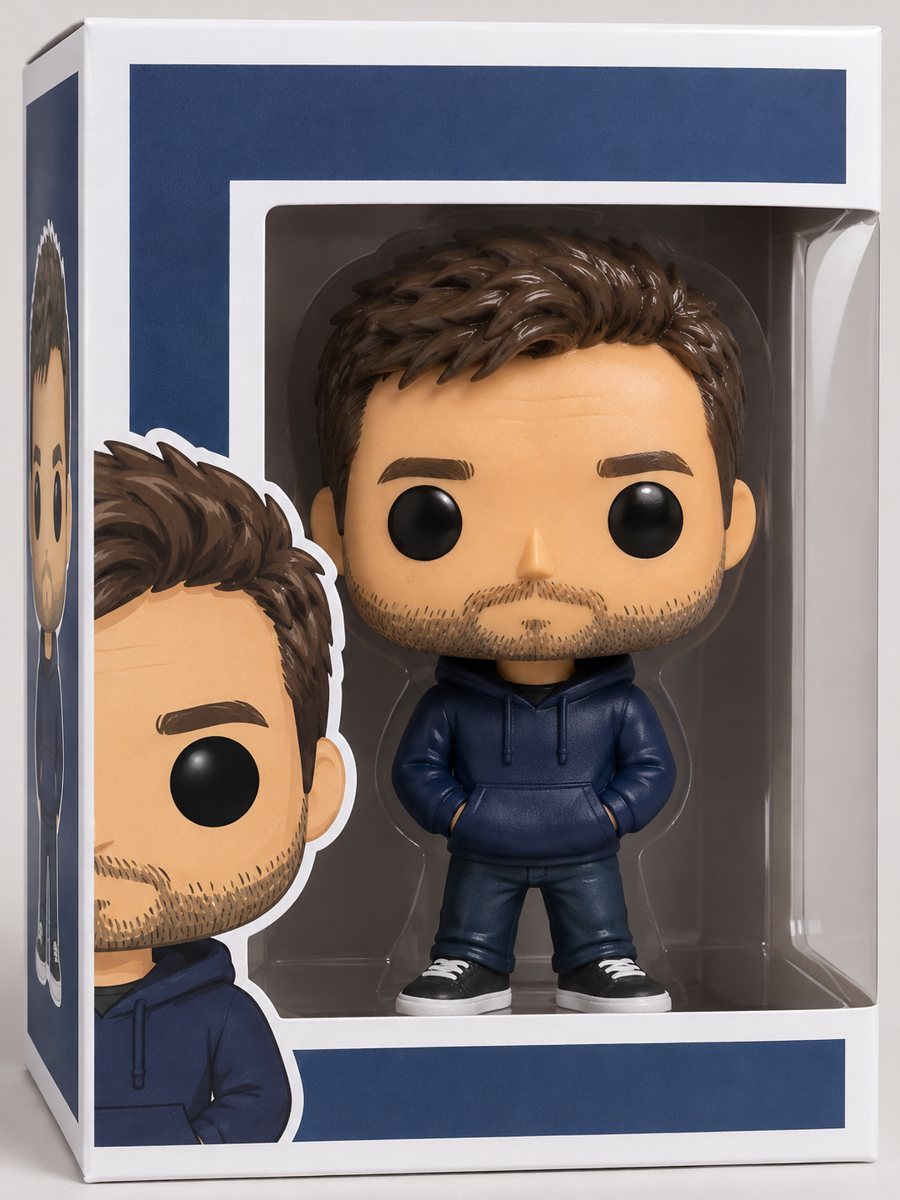 Turn your photo into a vinyl collectible figure in a boxTurn a photo into a stylized vinyl collectible with a big head, dot eyes and a window box. Copy the ready...