Put your pet in a chef hat behind the kitchen counter
Your pet appears in a white chef jacket and a tall hat, standing behind a counter with fresh ingredients in a warm kitchen. Open the bot with the button and send a pet photo.
- 2 credits per image
- Result in 1–2 minutes
- No sign-up
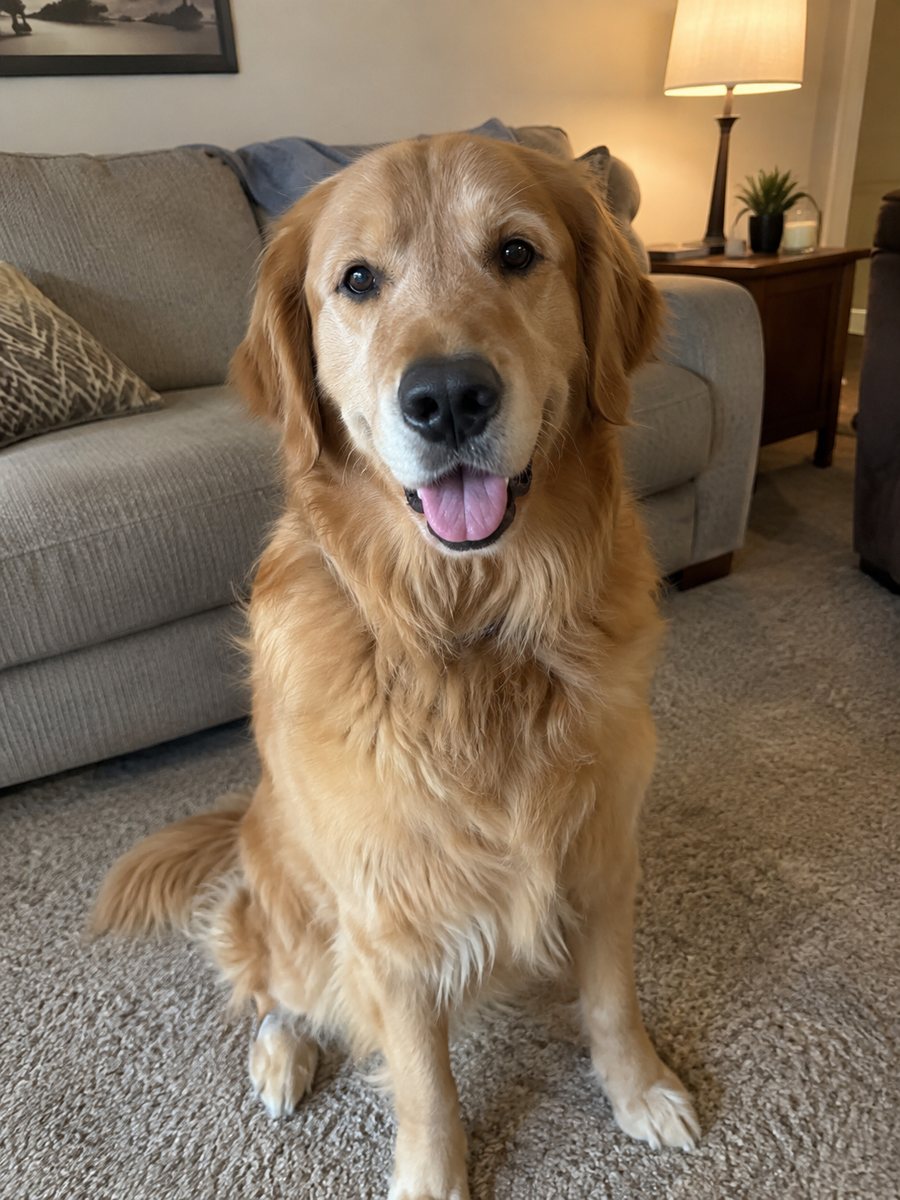
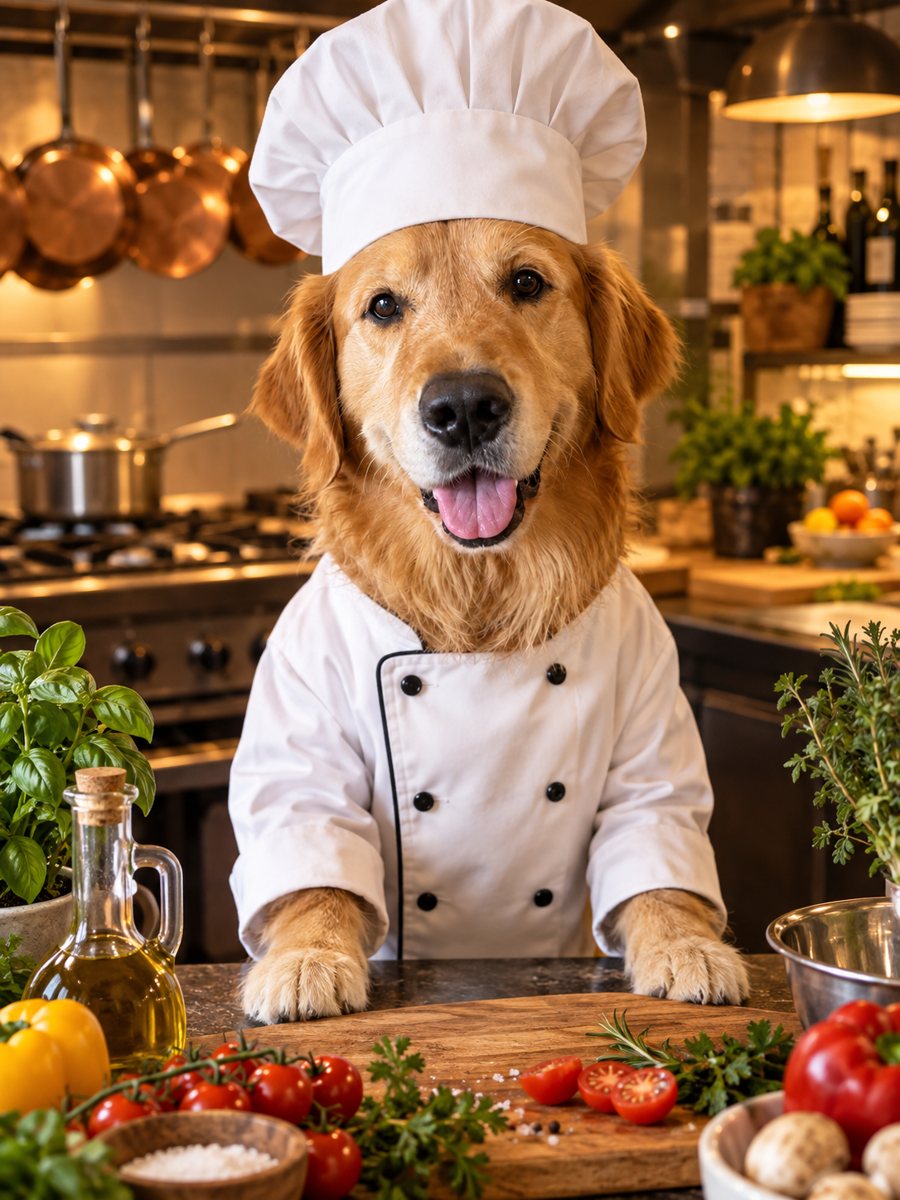 BeforeAfter
In short: Dress your dog or cat as a chef in a warm restaurant kitchen. Copy the ready prompt or open the Telegram bot and try 7 images free of charge.
- Where: the VisuMate bot in Telegram, no app or sign-up.
- Cost: 2 credits per image, 7 images free, then packs from 49 Telegram Stars.
- Time: 1 to 2 minutes per image, rerun with a new instruction at the same price.
When you need this
- You need a funny image for a food blog or a cooking class.
- You want a gift for a friend who loves cooking and has a dog.
- Your pet keeps stealing food and deserves the title.
How to do it
- 1
Press the button. The bot opens with the pet chef style selected.
- 2
Send a clear photo of one pet. Add wishes in the caption, such as: tomatoes and basil on the counter, red apron.
- 3
Wait 1-2 minutes. Check fur color and face, and rerun for 2 credits if needed.
Try it on your own photo: 7 images are free, no sign-up.
Make it in TelegramThe prompt behind this style
Dress the pet in this photo as a chef. Keep the breed, fur color and face recognizable. White chef jacket and tall hat, standing behind a kitchen counter with fresh ingredients, warm restaurant kitchen light, playful realistic photo. Vertical 3:4, no text.
The scene
The style is a playful but realistic photo. The pet wears a white jacket and a tall hat, stands at a kitchen counter and has fresh ingredients in front of it. The light is warm like a busy restaurant at dinner time. Because the prompt is photo-like rather than cartoon-like, fur texture and eyes stay natural, which makes the costume the funny part. It fits a cafe menu joke, a family cookbook cover or a social post with a recipe.
Details to check
Look at how the hat sits on the head and whether ears are handled in a believable way, since pets with large upright ears can produce odd hat shapes. Fur color and markings should match your pet. If you want specific food on the counter, state it in the caption in plain words. The bot does not write recipes or add a menu board. Text on a picture can be misspelled by AI, so add any caption to the final image in a design app. The image is vertical 3:4 and has no text.
Tips
- A front-facing photo helps the hat sit naturally.
- Name the ingredients you want, such as pasta or lemons.
- Pets with calm expressions look more convincing as chefs.
- Ask for a different kitchen light in the caption if you prefer a brighter scene.
- Use the picture on a recipe card or an apron mockup.
Questions and answers
Can I choose what is on the counter?
Yes. Name the ingredients in the caption.
Will long ears or a fluffy head break the hat?
Sometimes the hat sits oddly. Rerun, or describe the hat position in the caption.
Is it a cartoon?
No. The prompt asks for a playful realistic photo look.
Can I use it for a restaurant?
You can use your own image in your own materials. Check the usage rules of your platform.
What does it cost?
2 credits per image, 7 images free for new users.
Does the bot work in English?
Yes. It picks up your Telegram language on first launch and replies in English. You can switch the language any time with /lang.
More in "Photo styles"
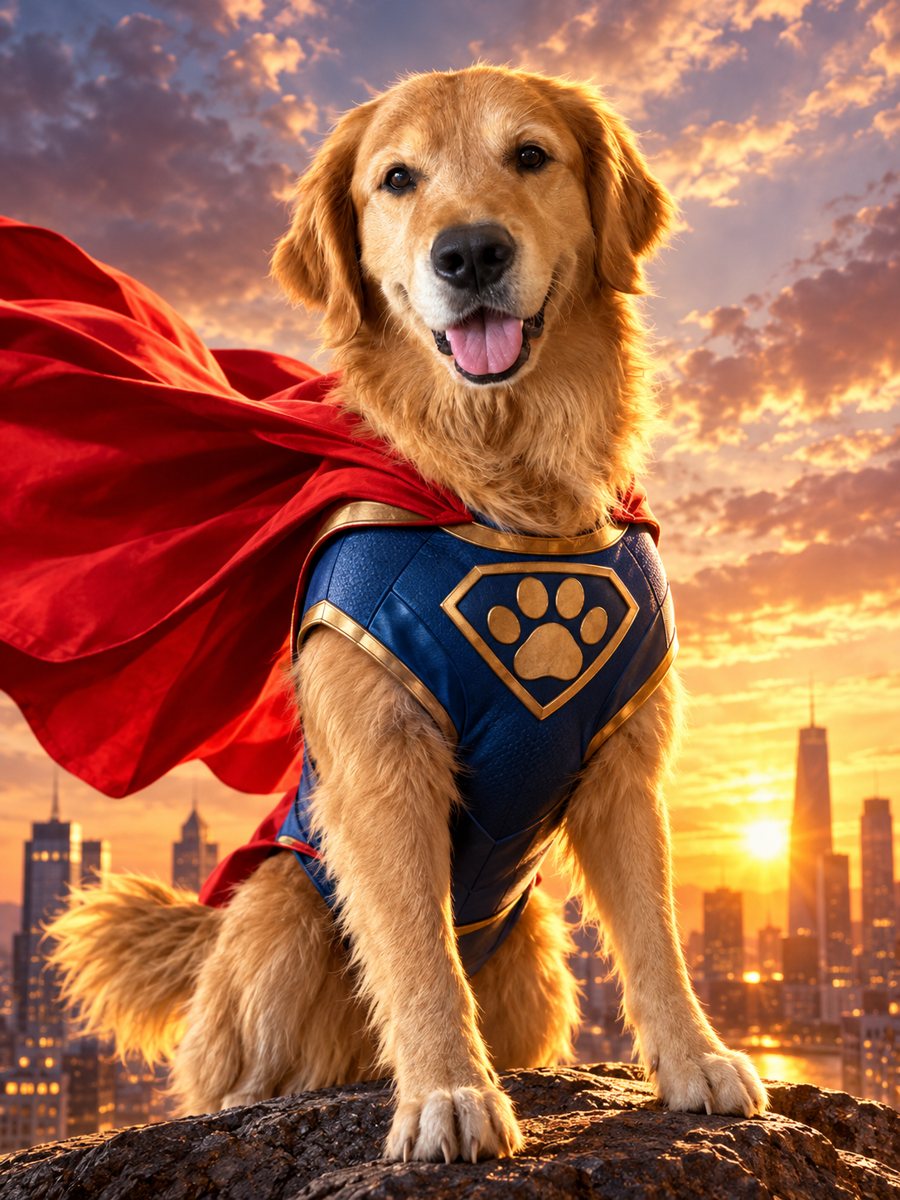 Turn your pet into a caped superheroTurn your dog or cat into a caped superhero over a sunset skyline. Copy the ready prompt or open the...
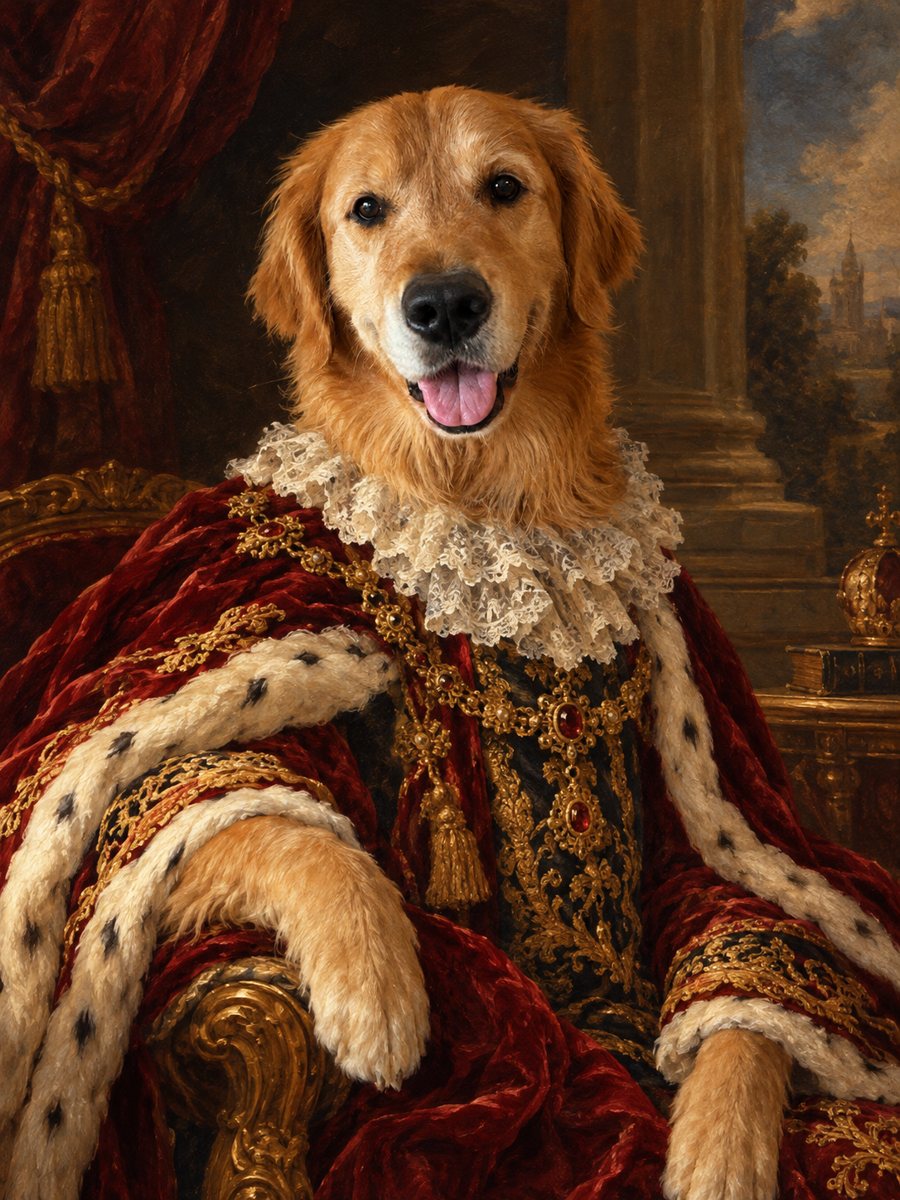 Turn your pet into a royal oil portraitTurn your dog or cat into a regal 18th century oil portrait with velvet robe and lace collar. Ready prompt...
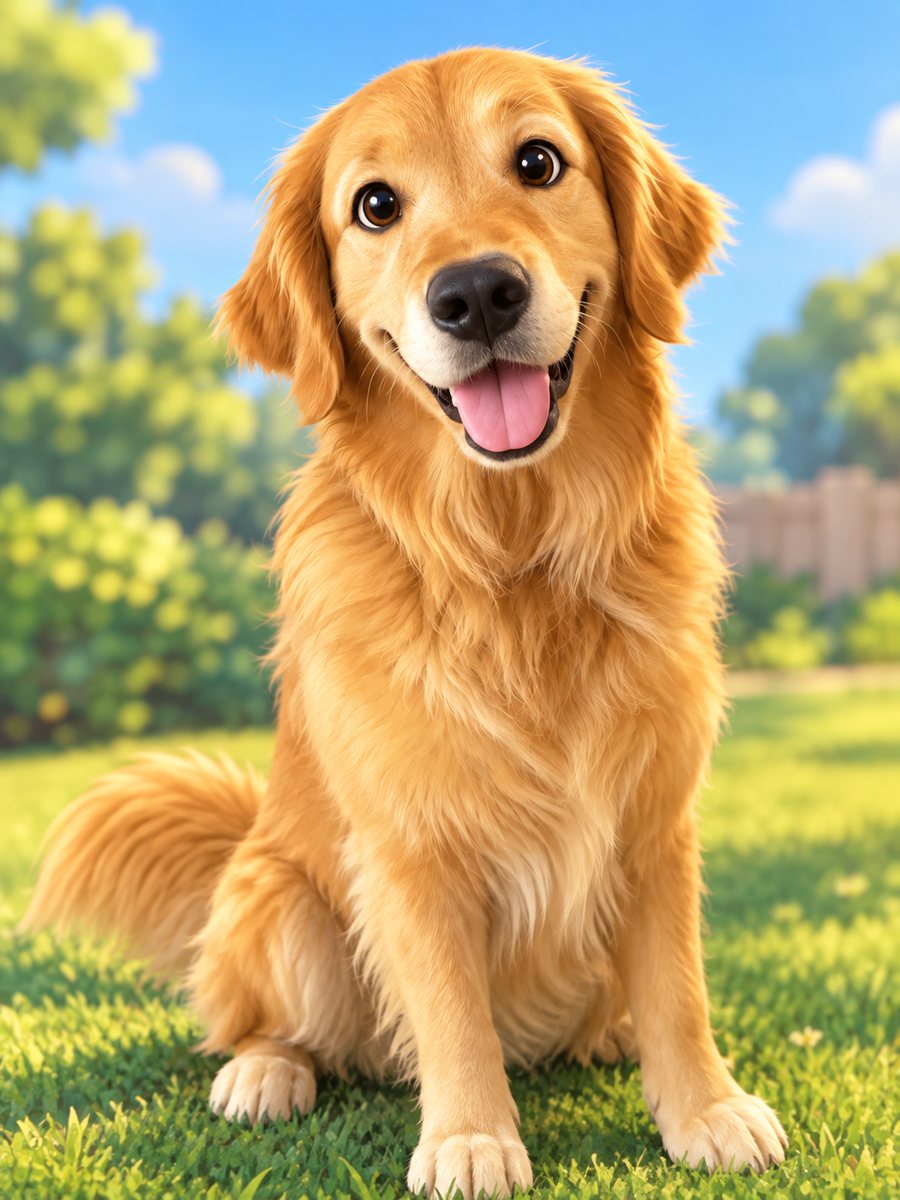 Turn your pet into a cartoon characterDraw your dog or cat as a cute animated movie character with big eyes and soft 3D shading. Ready prompt...
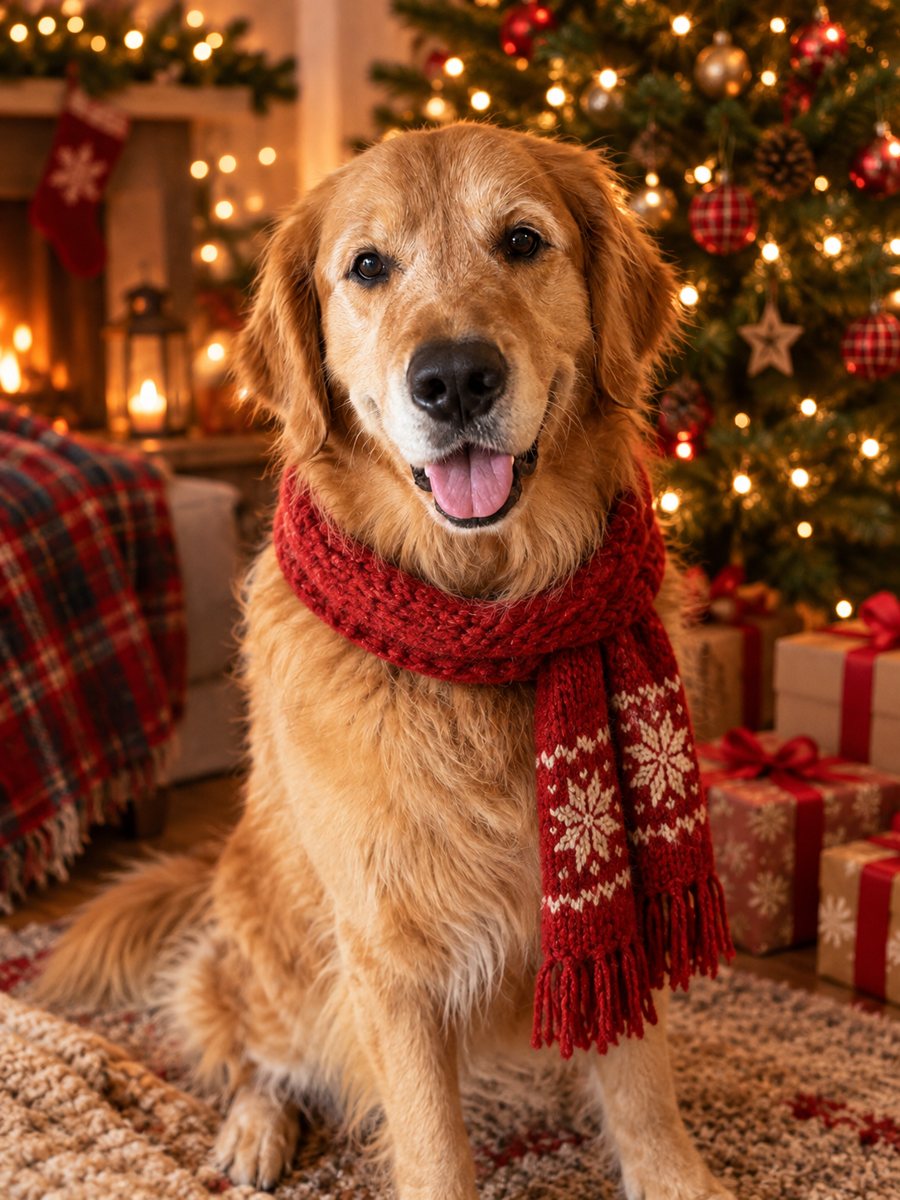 Turn your pet photo into a Christmas cardTurn your pet photo into a cozy Christmas card scene with a Santa hat and a tree with warm lights. Ready...