AI Christmas card generator from your photo
Send one photo of your family, your couple or your pet, and the bot builds a festive card scene around it. You can try several looks, then add a short greeting. It costs 2 credits per card and you start with 7 free.
- 2 credits per image
- Result in 1–2 minutes
- No sign-up
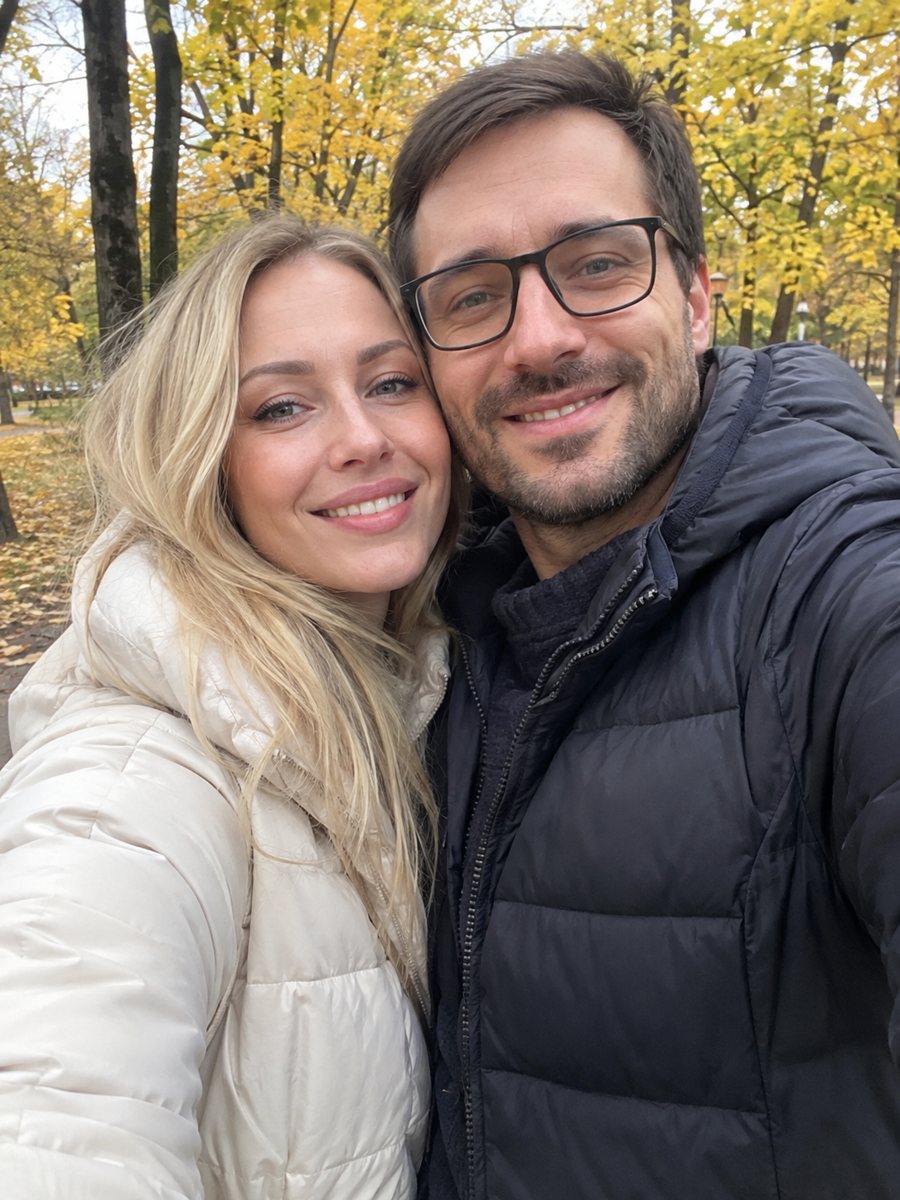
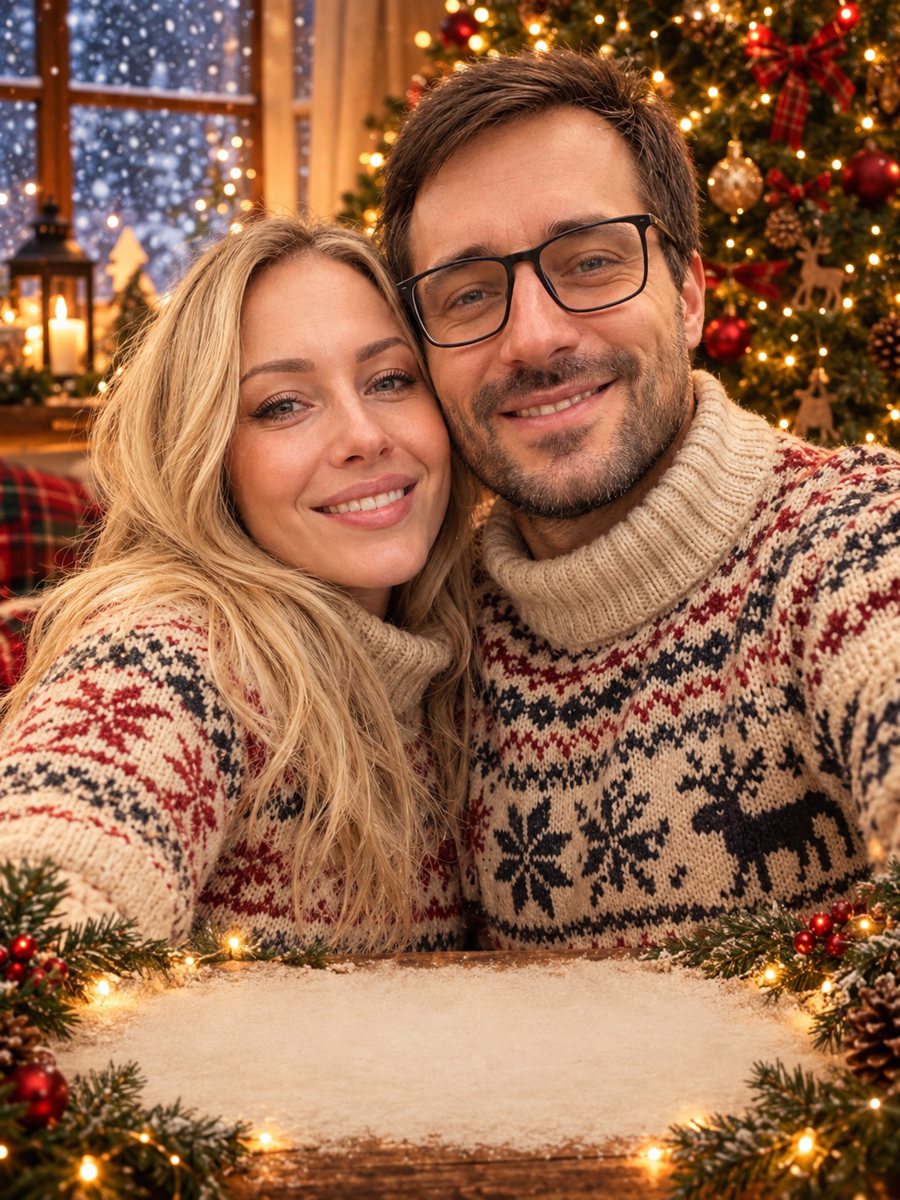 BeforeAfter
In short: Make a Christmas card from your photo with AI in Telegram: family, couple or pet in a festive scene, with a short caption. 2 credits per card, 7 free.
- Where: the VisuMate bot in Telegram, no app or sign-up.
- Cost: 2 credits per image, 7 images free, then packs from 49 Telegram Stars.
- Time: 1 to 2 minutes per image, rerun with a new instruction at the same price.
When you need this
- You missed the holiday photoshoot and the cards must go out soon.
- Your family is in different cities and you need one joint picture.
- Your pet will not wear a hat for a real photo.
How to do it
- 1
Open the bot with the link on this page and press Start.
- 2
Send one photo as a file. In the caption describe the card: cozy sweaters, a decorated tree, snow outside the window, empty space at the bottom for a greeting.
- 3
In 1–2 minutes the card arrives. Compare looks, run again with a change, and add your greeting.
Try it on your own photo: 7 images are free, no sign-up.
Make it in TelegramSeveral card looks
Cozy home: warm fairy lights, a tree and knitted sweaters. Snowy outdoors: a winter street or a forest, soft snowfall, scarves and hats. Studio: a clean solid-color background with a few ornaments, good for a formal card. Pick the mood that fits your family and send the same photo three times with different captions. Each run is 2 credits.
Family and pet photos
For a family, send a photo where nobody is hidden or turned away. The AI keeps faces and poses recognizable, but small details can shift, so check each face. For a pet, the animal's face, fur color and markings are kept, and you can add a scarf or a small hat. There is a separate style for a pet card if you want a ready prompt.
Text on the card and printing
Short captions such as 'Merry Christmas' come out better than long sentences. Read every letter, because AI can misspell. A safer way is to ask for a clean area at the bottom and type the greeting in any editor. For printing at home or at a print shop, keep the original file and check the result at the size you plan to print.
Tips
- Use a sharp photo where every face is clearly visible.
- Try three looks: cozy home, snowy outdoors and a bright studio.
- For a family photo, ask the bot to keep every face and pose recognizable.
- Keep the greeting short, two to four words, and proofread it. AI sometimes misspells.
- For the cleanest text, ask for empty space and add the greeting in an editor.
Questions and answers
Can I make a card without a photoshoot?
Yes. Send any sharp photo and describe the festive scene in the caption.
Can the bot write the greeting?
It can draw short text you give it. You write the words and proofread them.
How many cards are free?
7 images with the 15 starting credits, at 2 credits each.
Does it work with pets?
Yes. The pet's face and markings are kept.
Can I print the card?
Yes, but check the quality at your print size first.
More in "Photo styles"
- Make a Christmas card from your photoTurn a family or couple photo into a festive Christmas card with sweaters, a tree and falling snow. Ready...
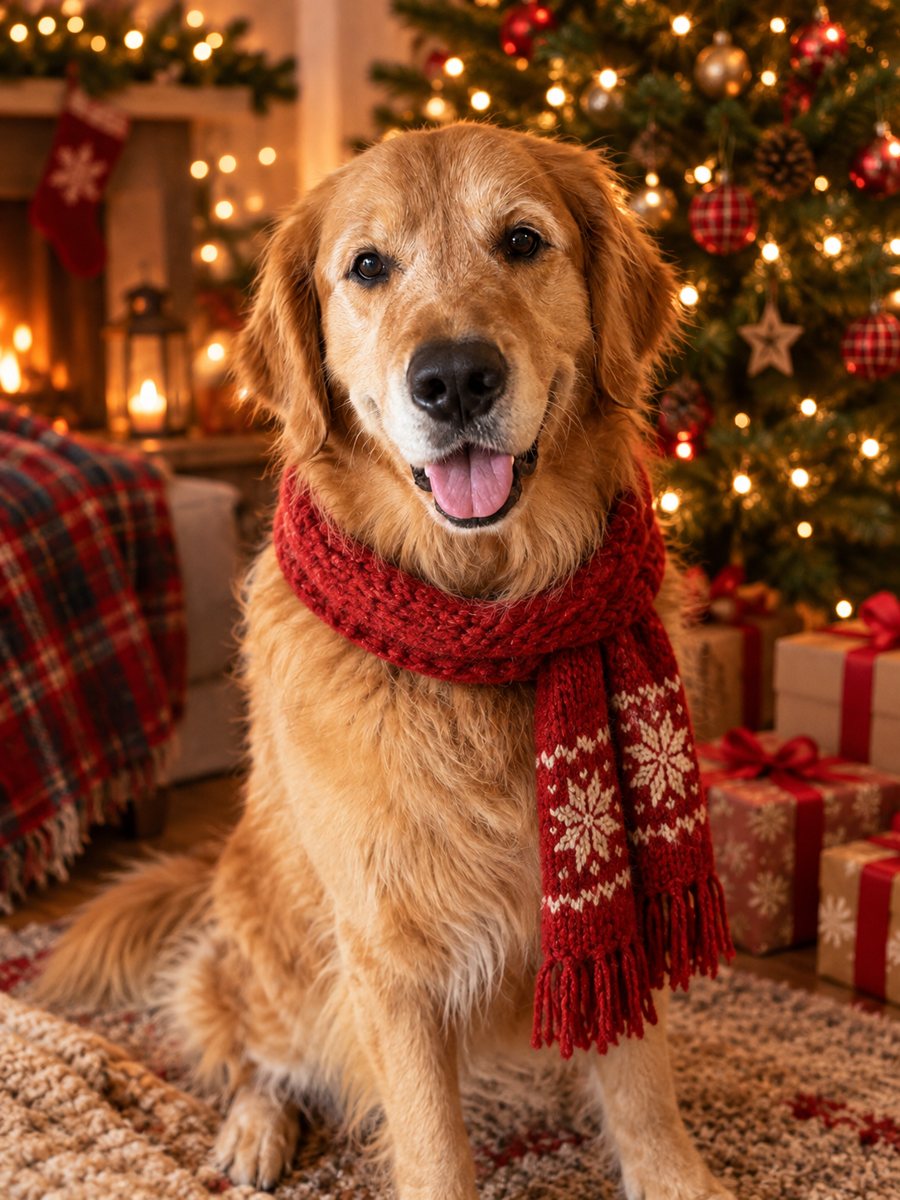 Turn your pet photo into a Christmas cardTurn your pet photo into a cozy Christmas card scene with a Santa hat and a tree with warm lights. Ready...
 Make a New Year greeting card from one line of textType one line and get an elegant New Year card with navy sky and golden fireworks. Copy the ready prompt...
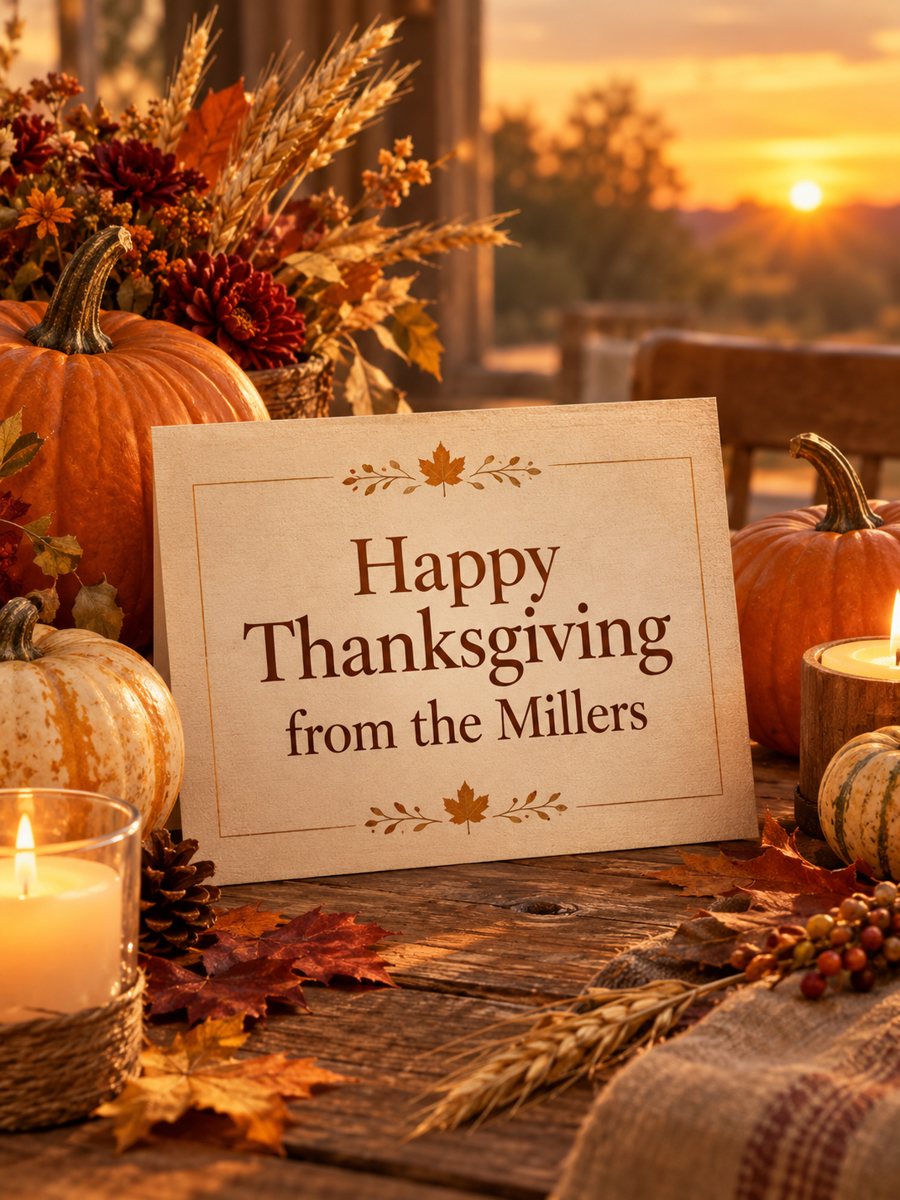 Make a Thanksgiving card with your own greetingType a short line and get a warm Thanksgiving card with pumpkins, autumn leaves and golden hour light....
 Make a birthday card from a photoTurn a photo into a bright birthday card with a party hat, confetti, balloons and a cake. Copy the ready...